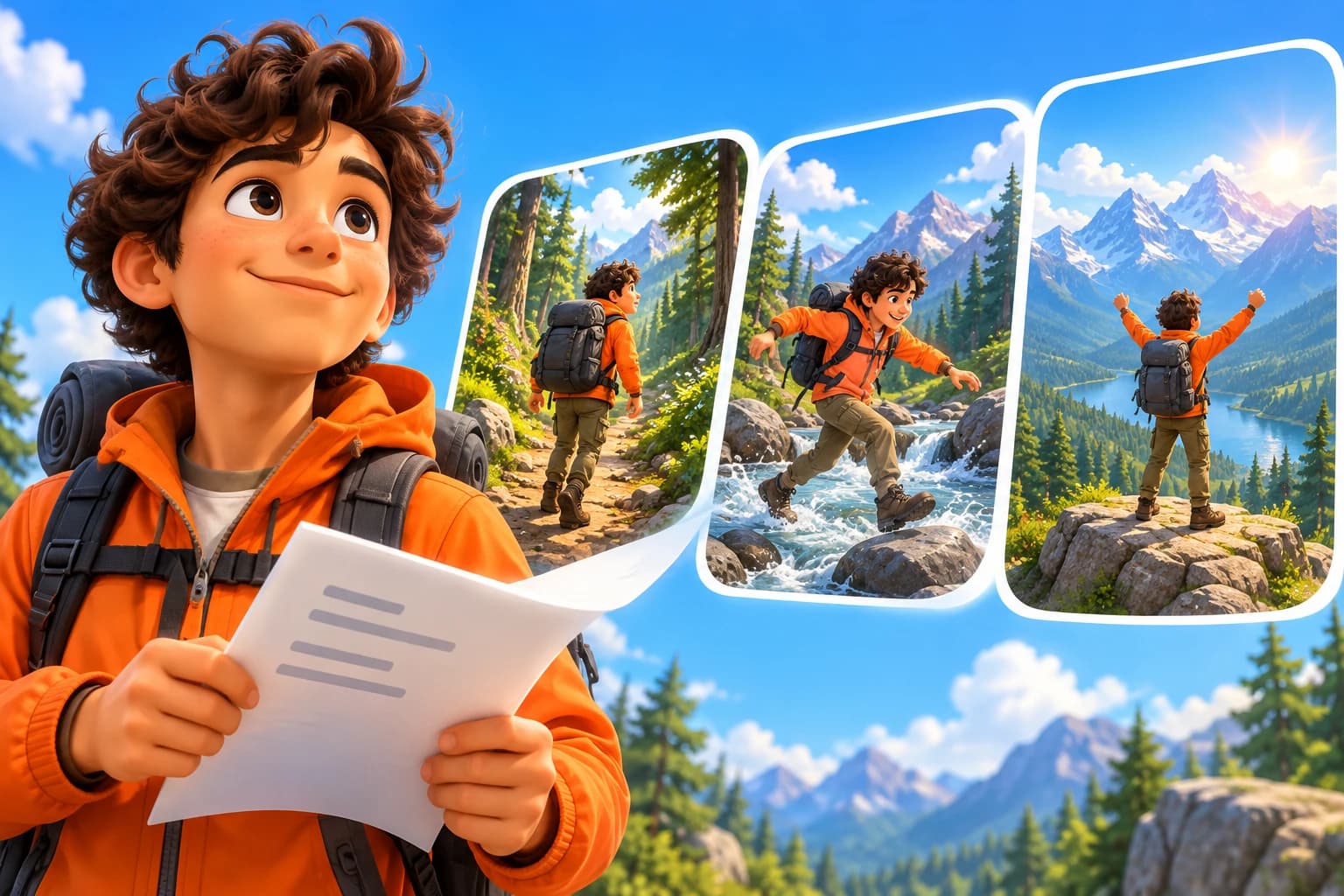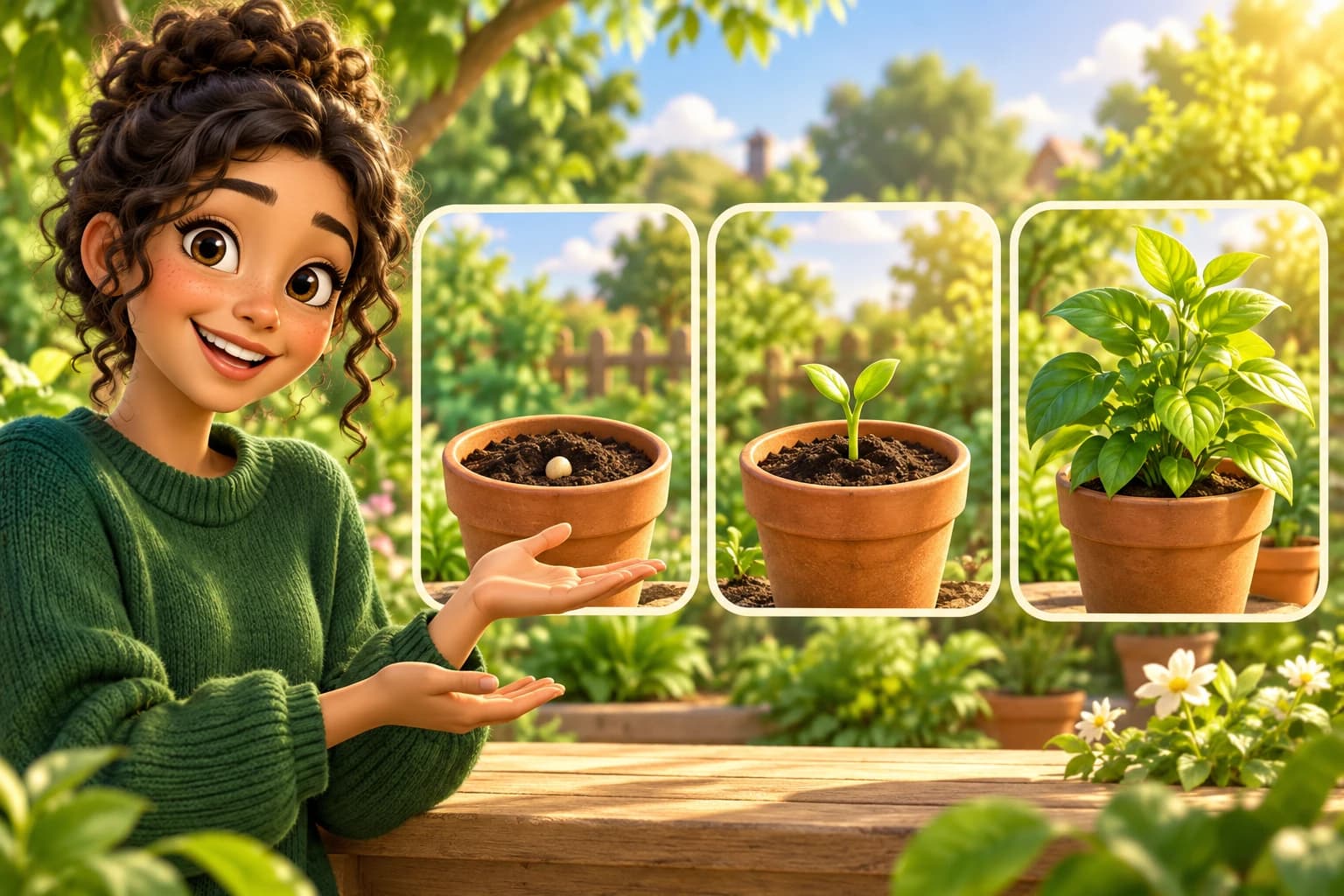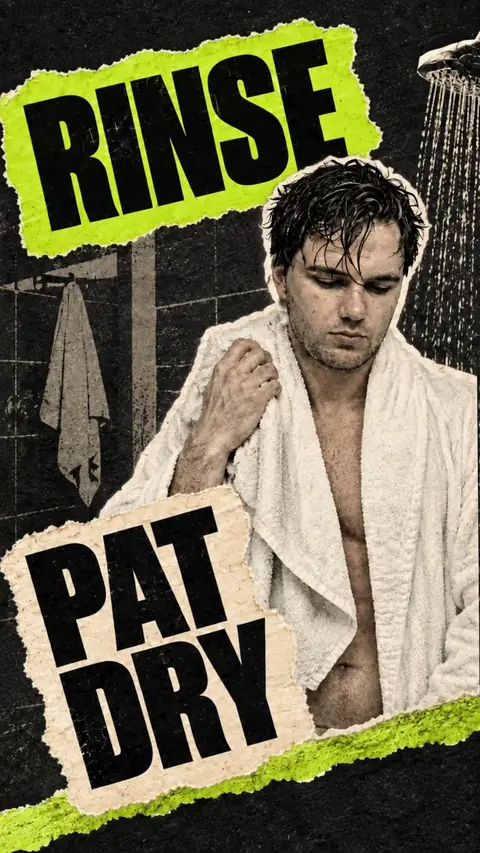
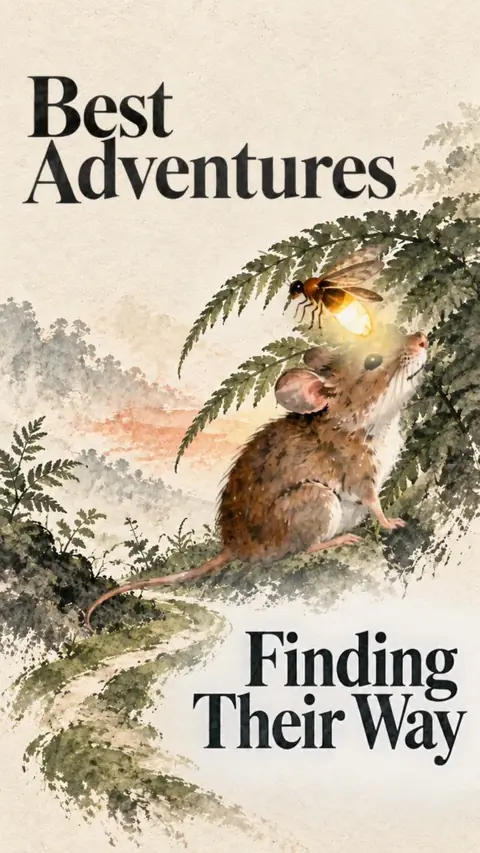
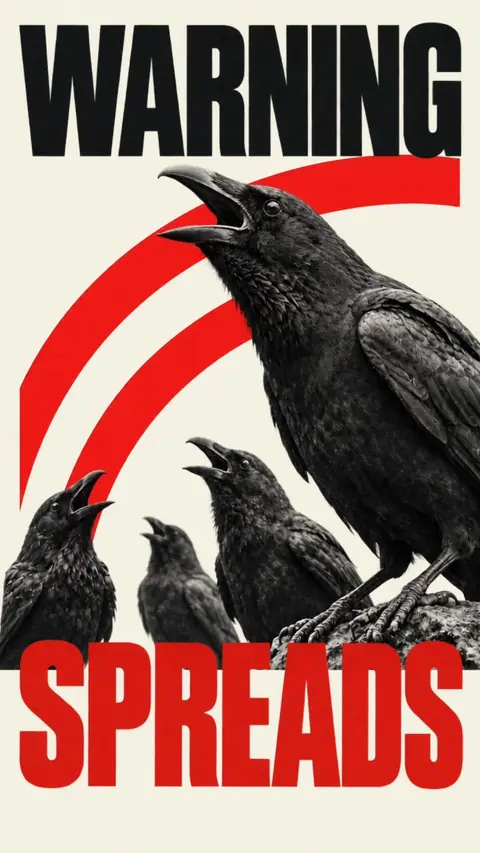
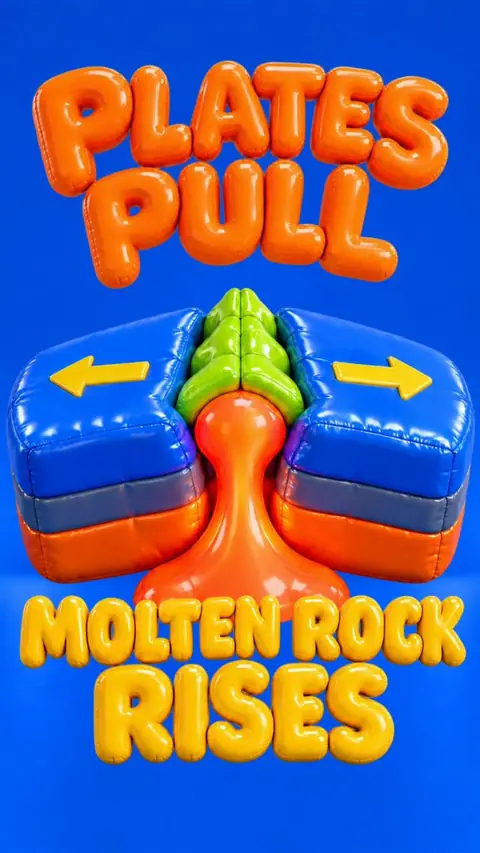
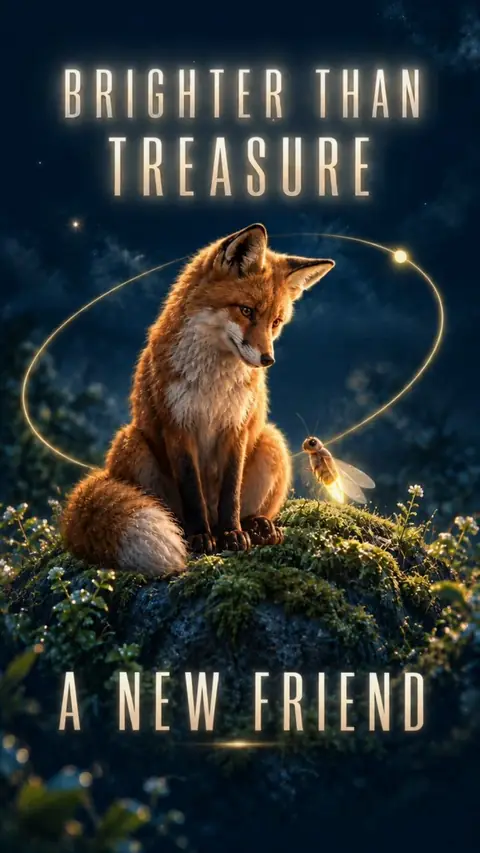
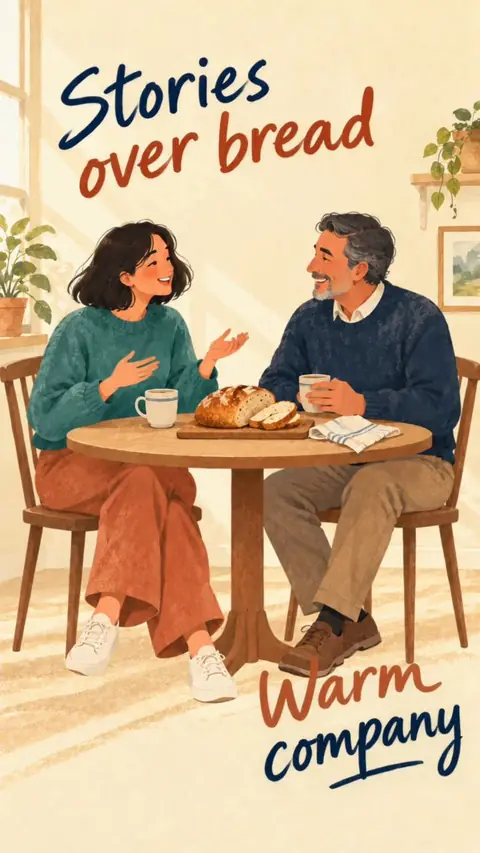
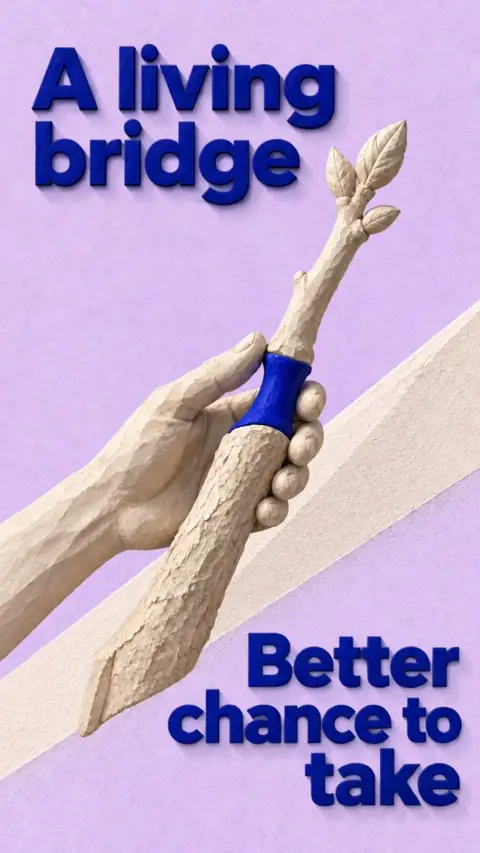

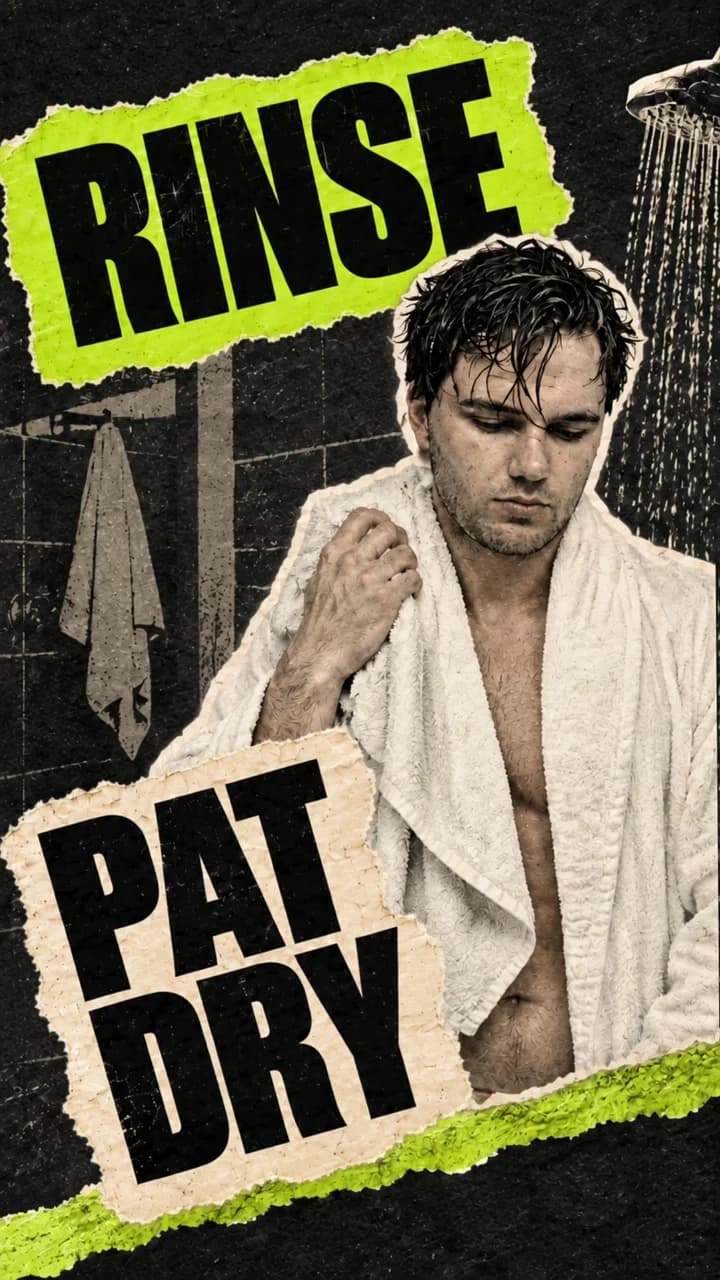

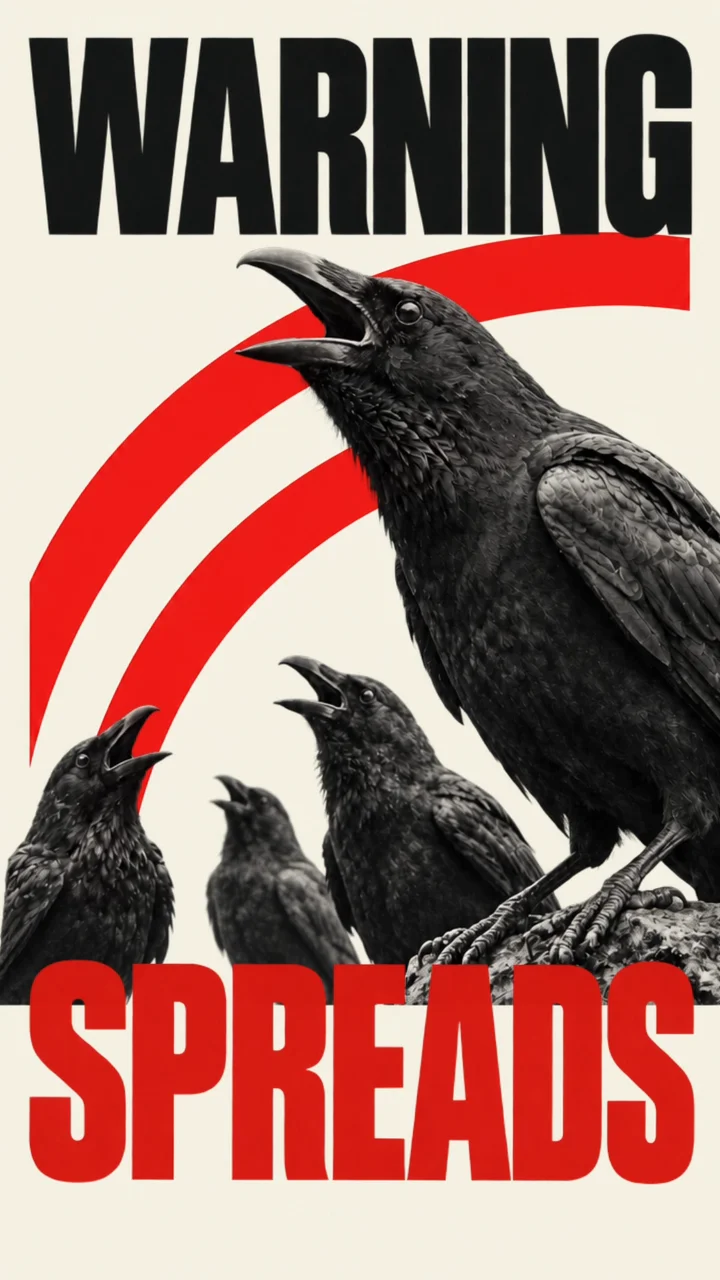
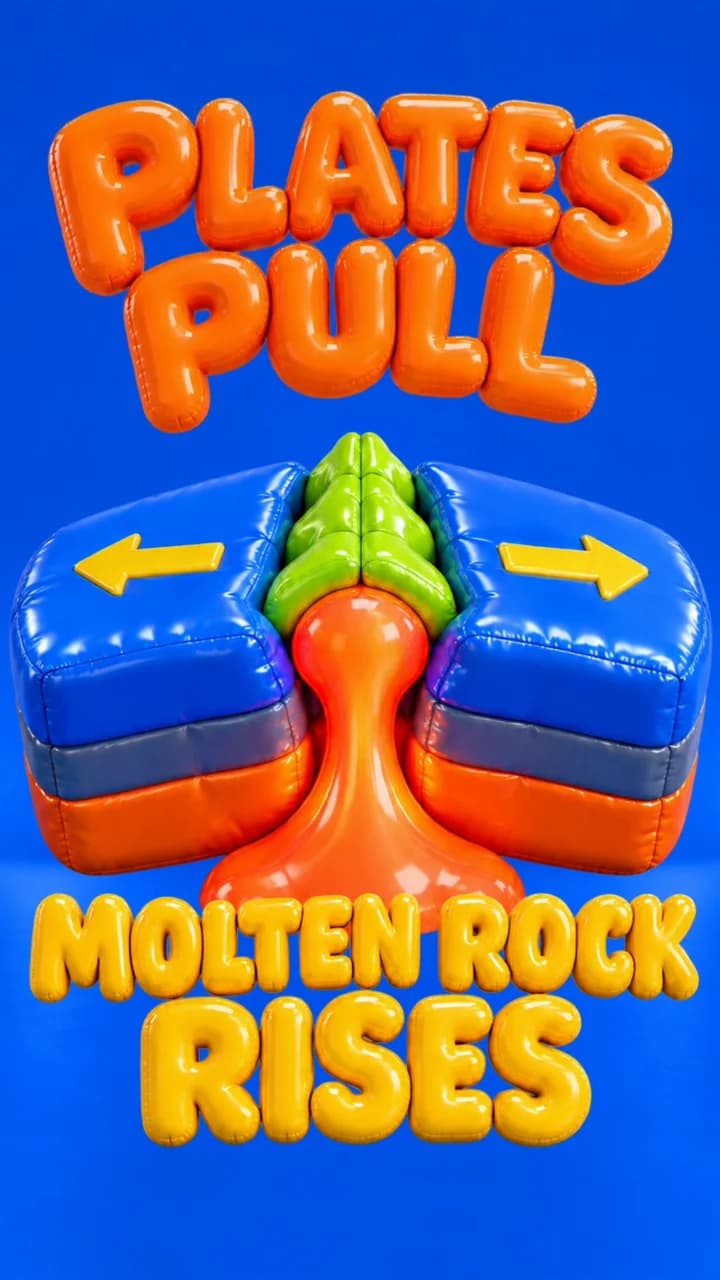
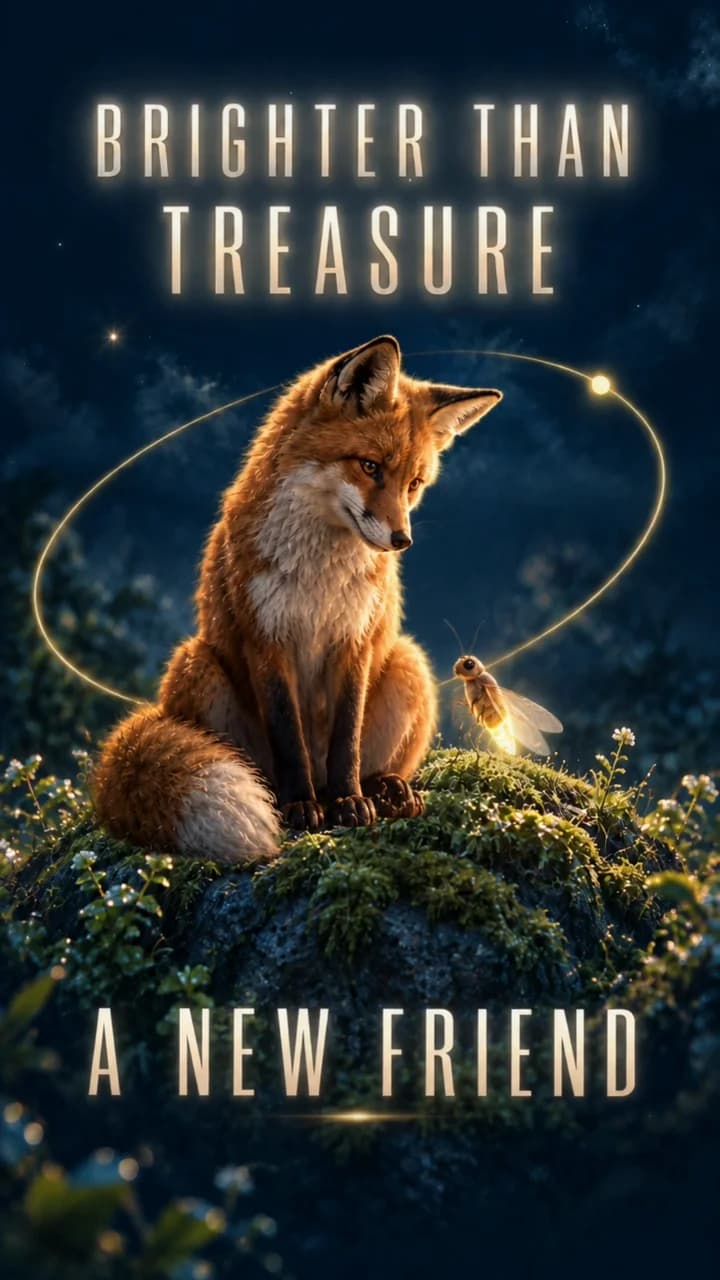
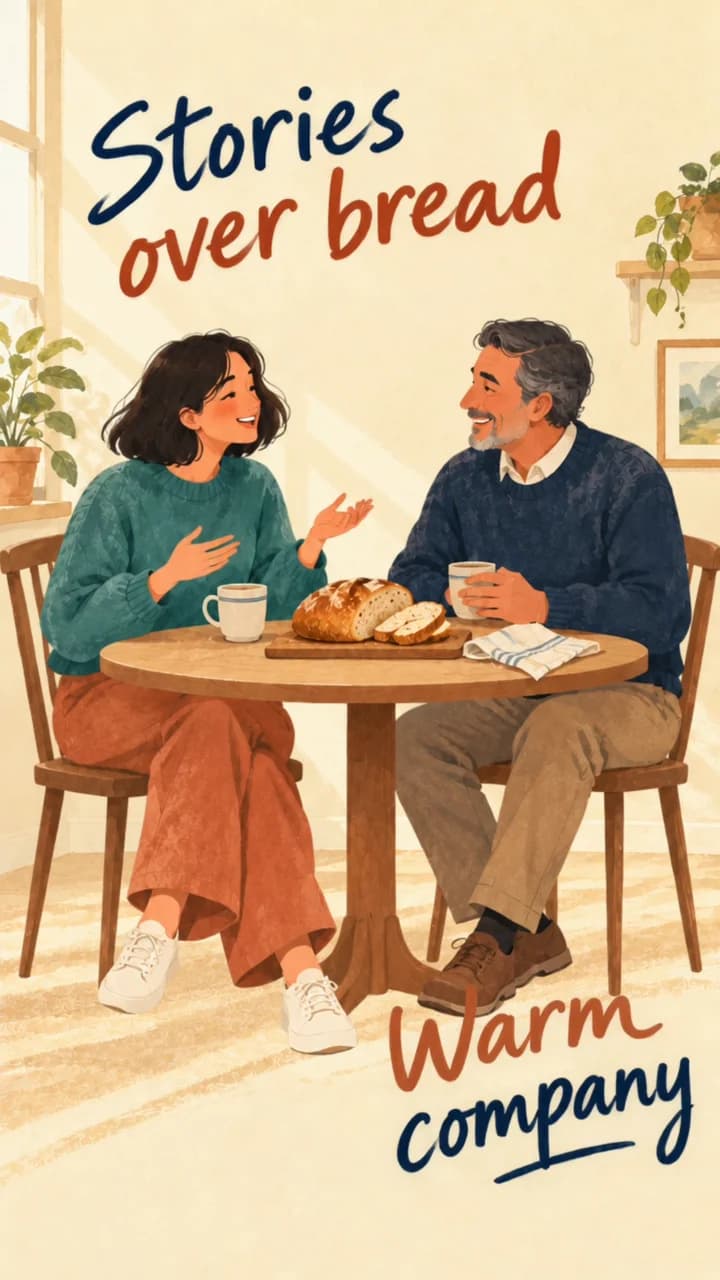
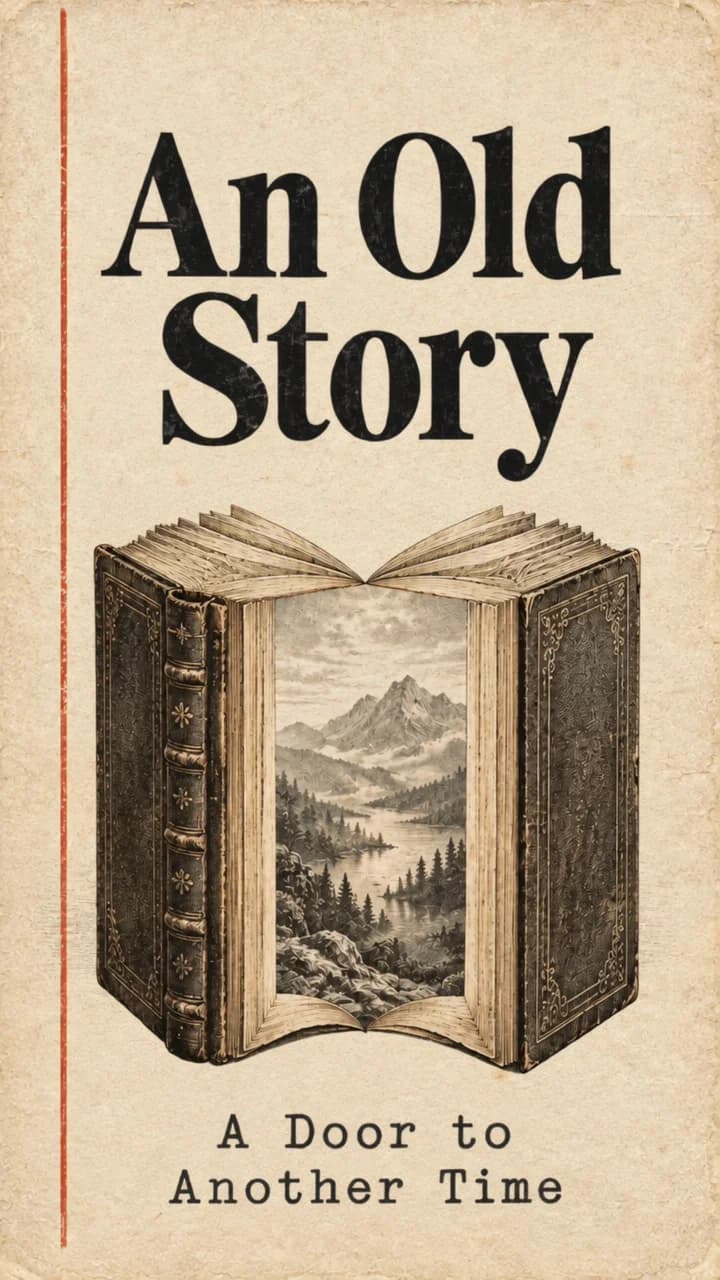

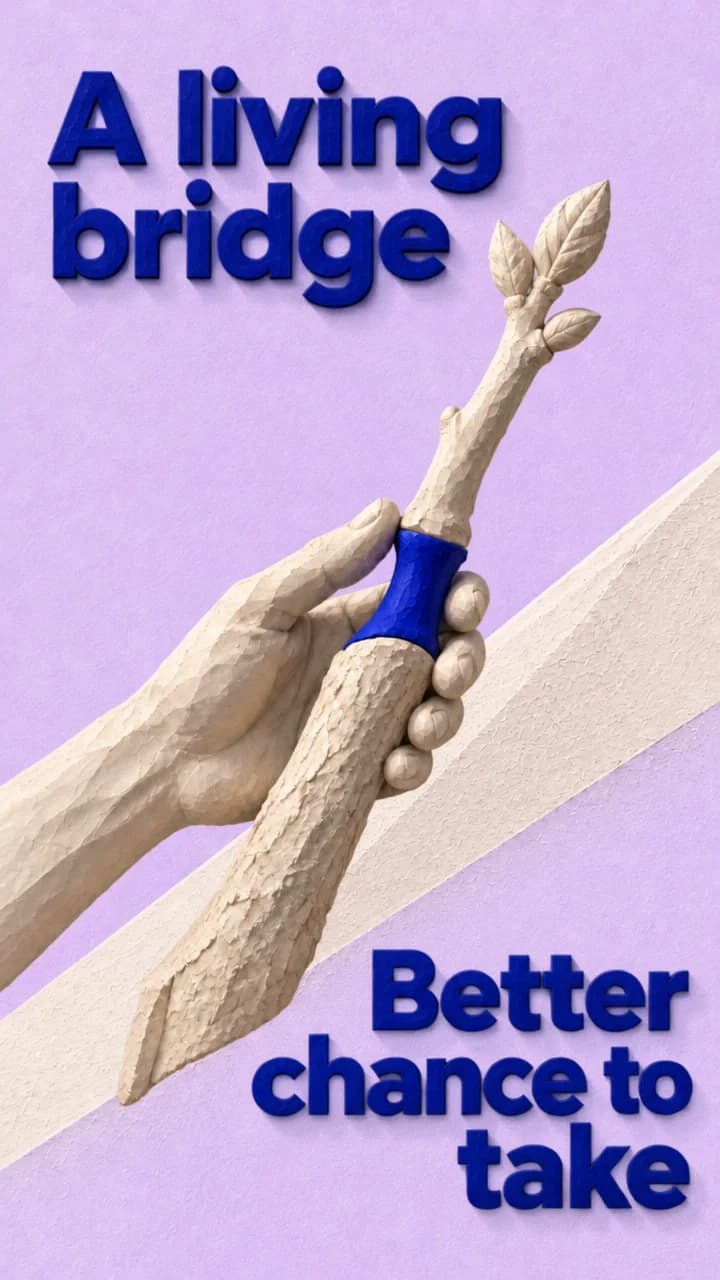

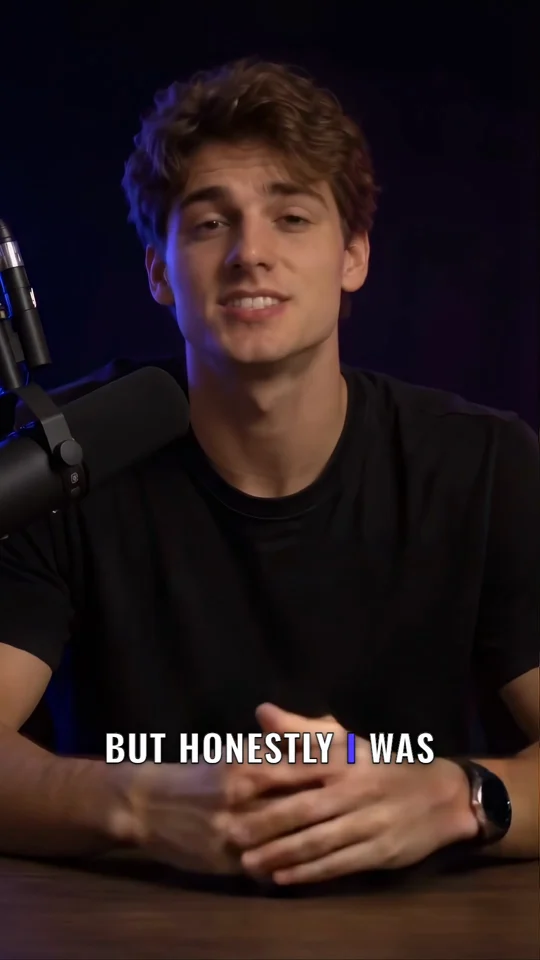
Turn your script into an animated video you can edit.

Create videos for TikTok, Reels, and YouTube Shorts with AI visuals, voiceover, captions, and sound. Use your own photos and clips, then edit each scene before export.

Describe your topic in up to 70 words / 1,000 characters. You can also attach photos.

Made with Plamia

Showing videos 1 through 1 of 12

Explore Templates

Find a look for your next story. Pick a template and make it your own.

New

AI video animation

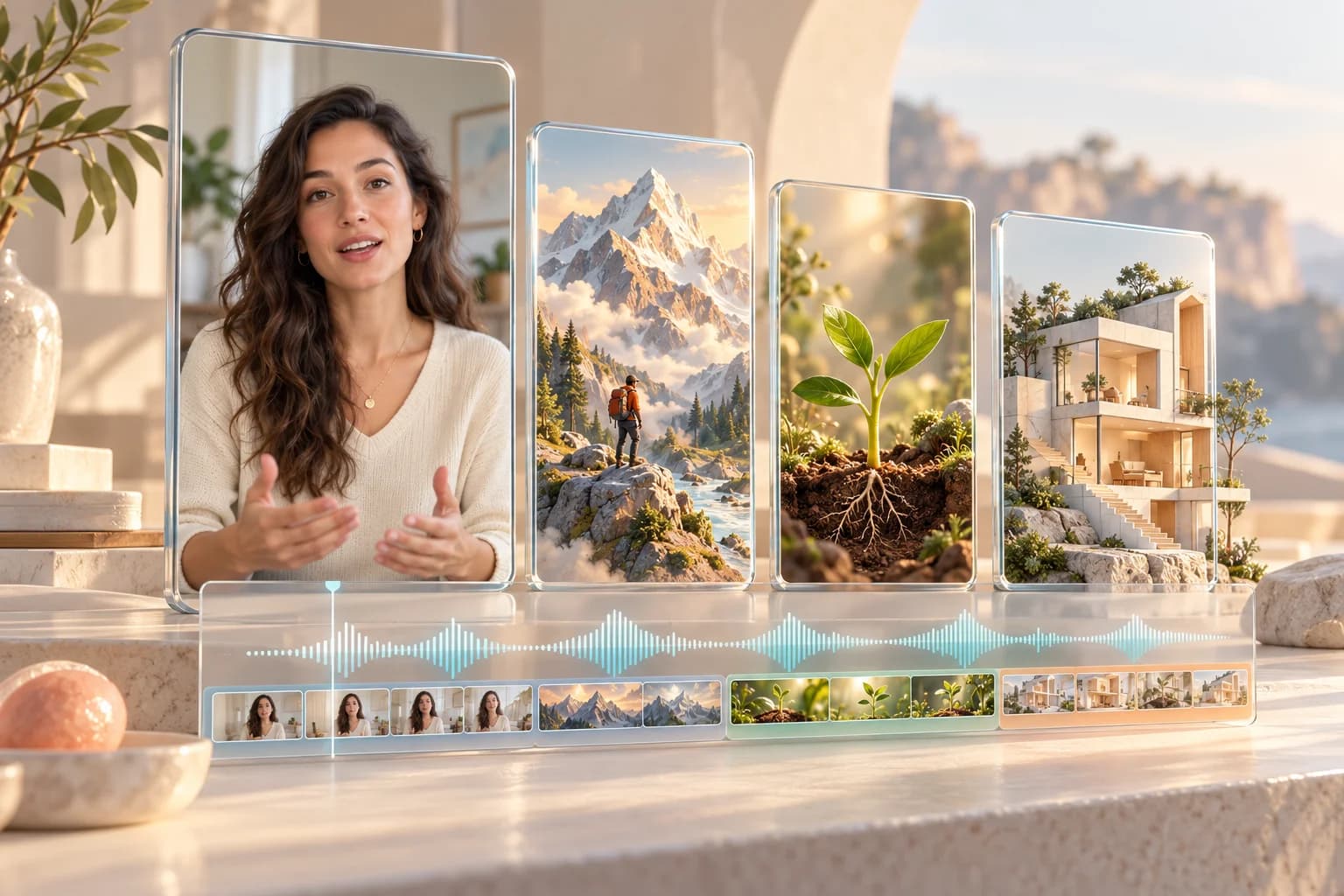
Turn what you say into animated scenes. Keep your video and your voice.

  1. Record vertically

    Record a vertical 9:16 video with clear speech. Explain an idea, tell a story, or share a practical tip.

  2. Upload and pick a template

    Upload your video and choose any Plamia template. The animated inserts follow its visual style, keeping the whole edit consistent.

  3. Create, review, and export

    Plamia understands your speech and creates animation clips to illustrate it, keeping your original voice. Refine the scenes, captions, and timing in the editor, then export in 720p, 1080p, or 4K.

    Learn More about animated B-roll

Create an editable video from your script.

Plamia turns your script, photos, and clips into a video you can edit on a multi-track timeline.

Start with your video script.

Paste a story, an explanation, or a message you want to share. Plamia uses your script to plan the scenes and bring together AI visuals, voiceover, captions, and sound. You get a complete first draft, with every part still open to editing. Our script-to-video guide walks you through the process.

Try it now
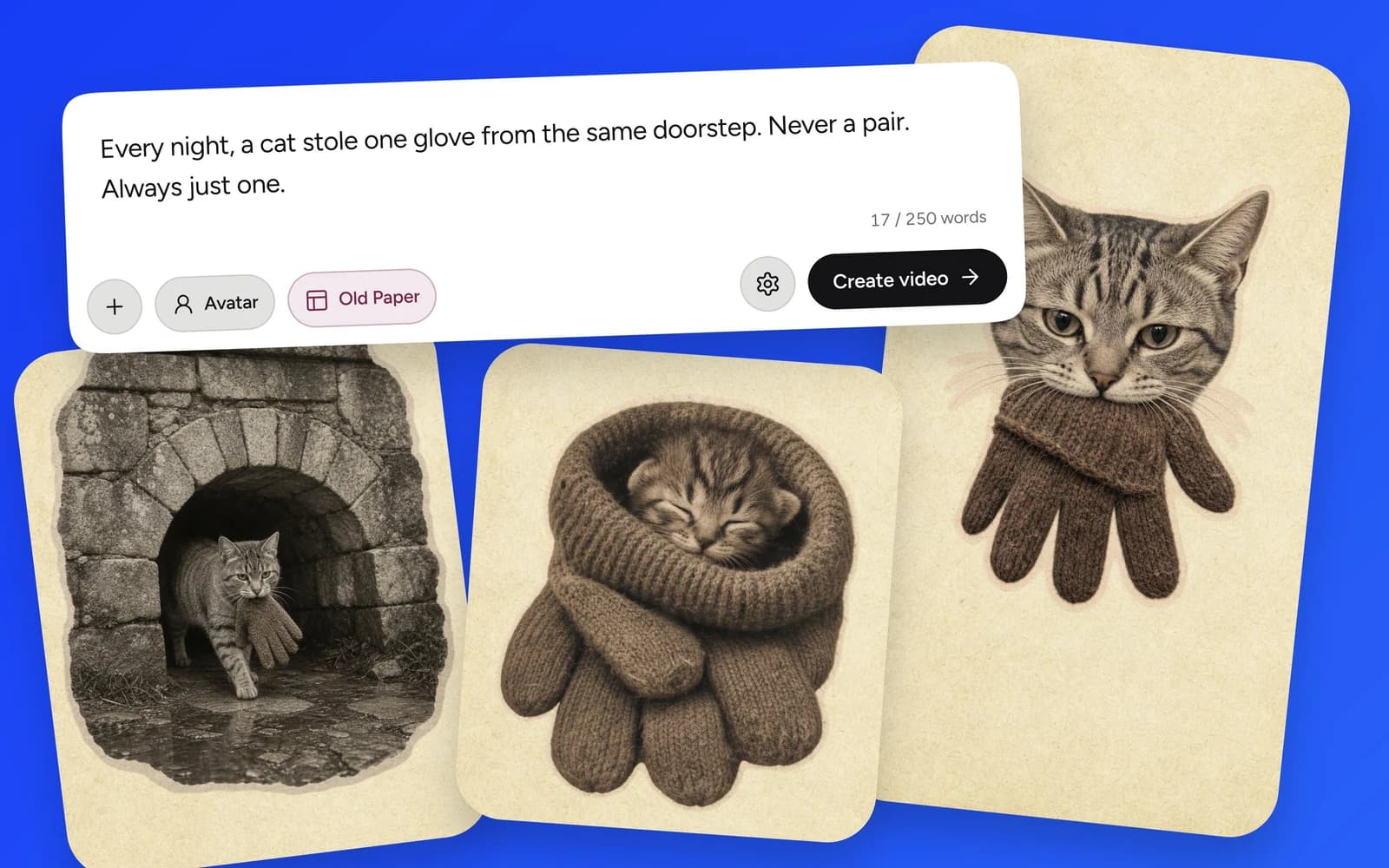
Plamia script composer with three illustrated scenes from a cat story

Find a template that fits your story.

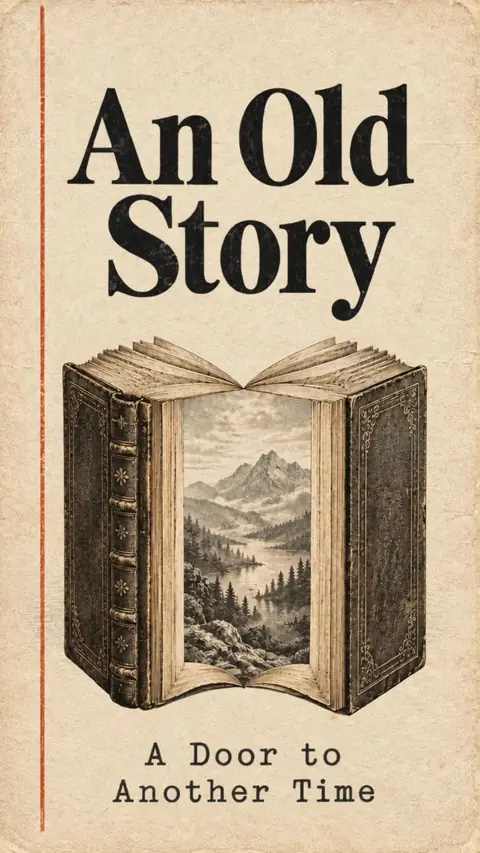
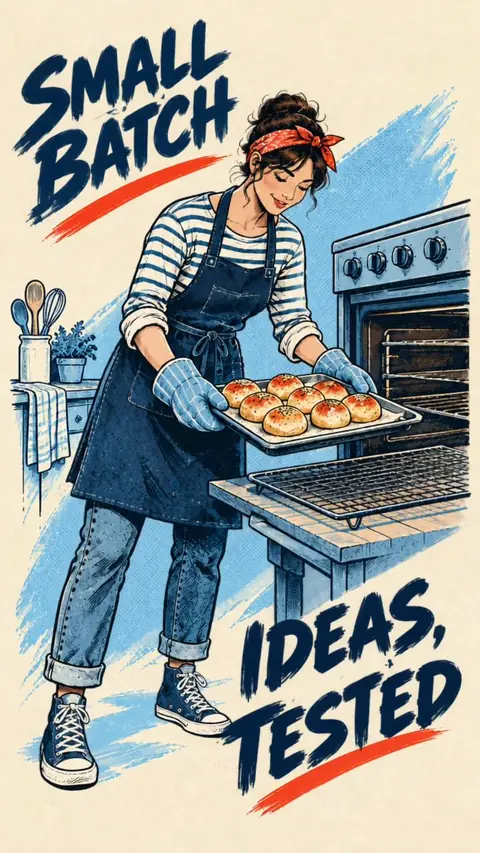
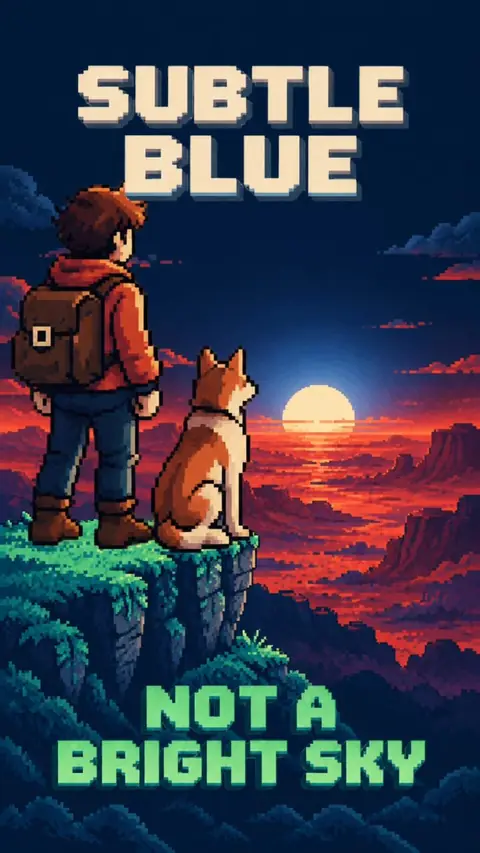
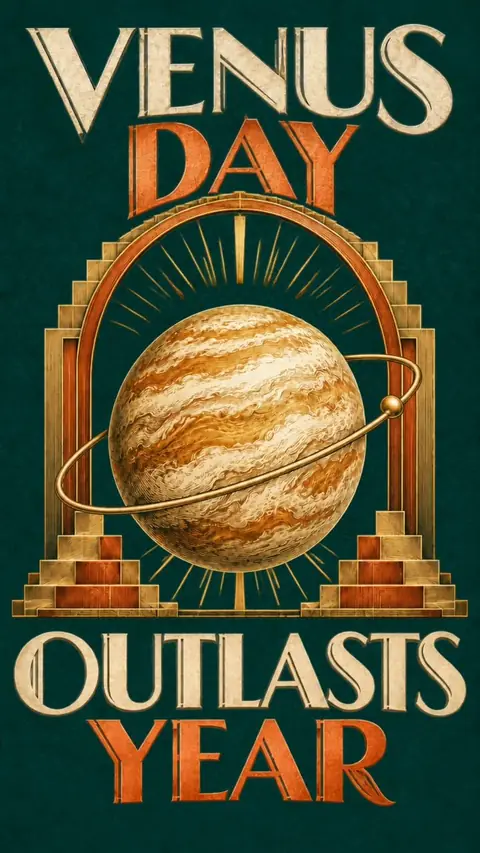
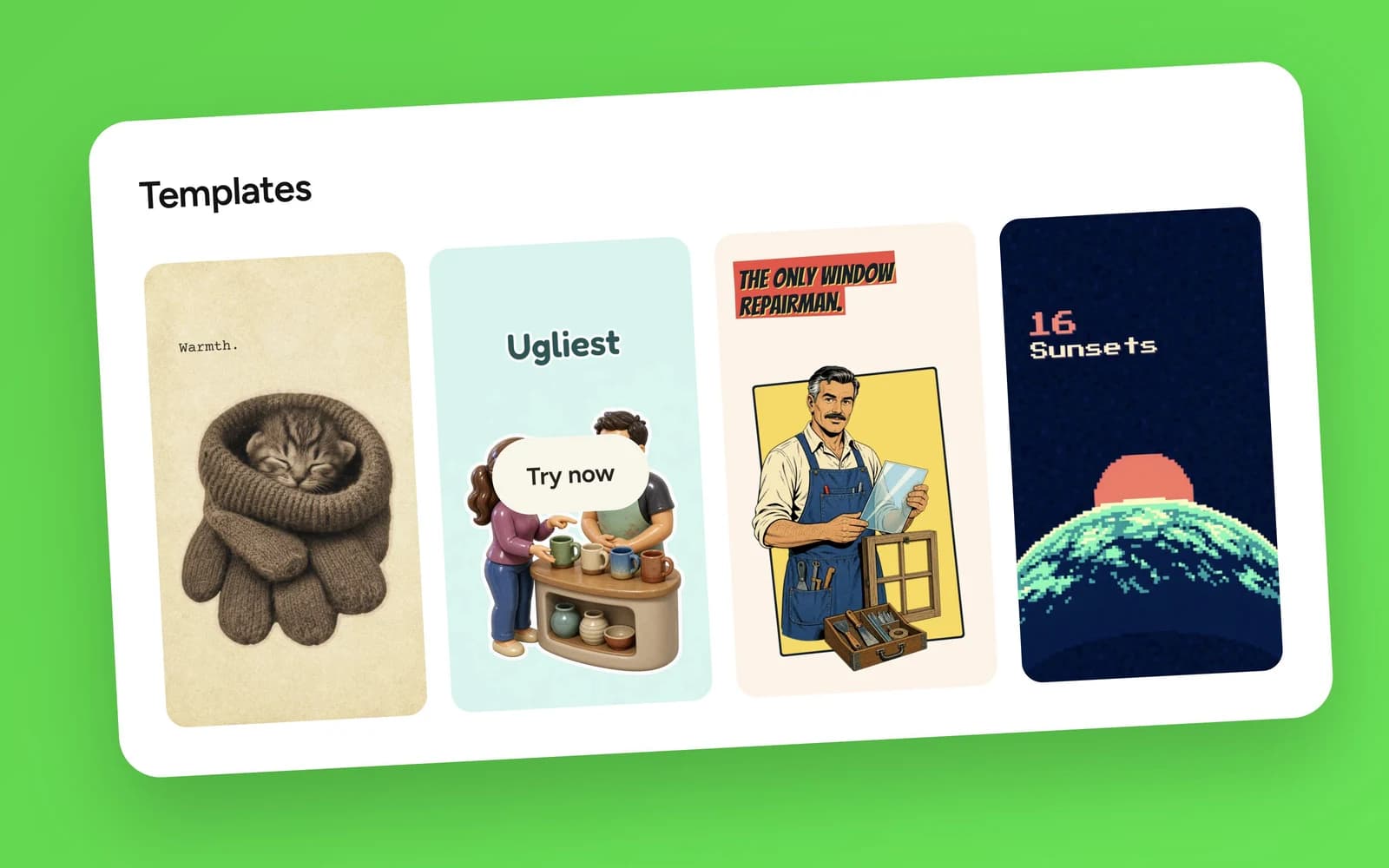
Give your video a clear direction from the start. Choose a template that brings visuals, text, motion, and sound together in one consistent look. Go with a paper story, playful characters, comic artwork, or a retro arcade feel. Plamia builds the video around your script, and you can refine the result in the editor afterward.

Try it now
Plamia Templates showing Old Paper, Bubble Pop, Comic Punch, and Retro Arcade

Make it yours with your own media.

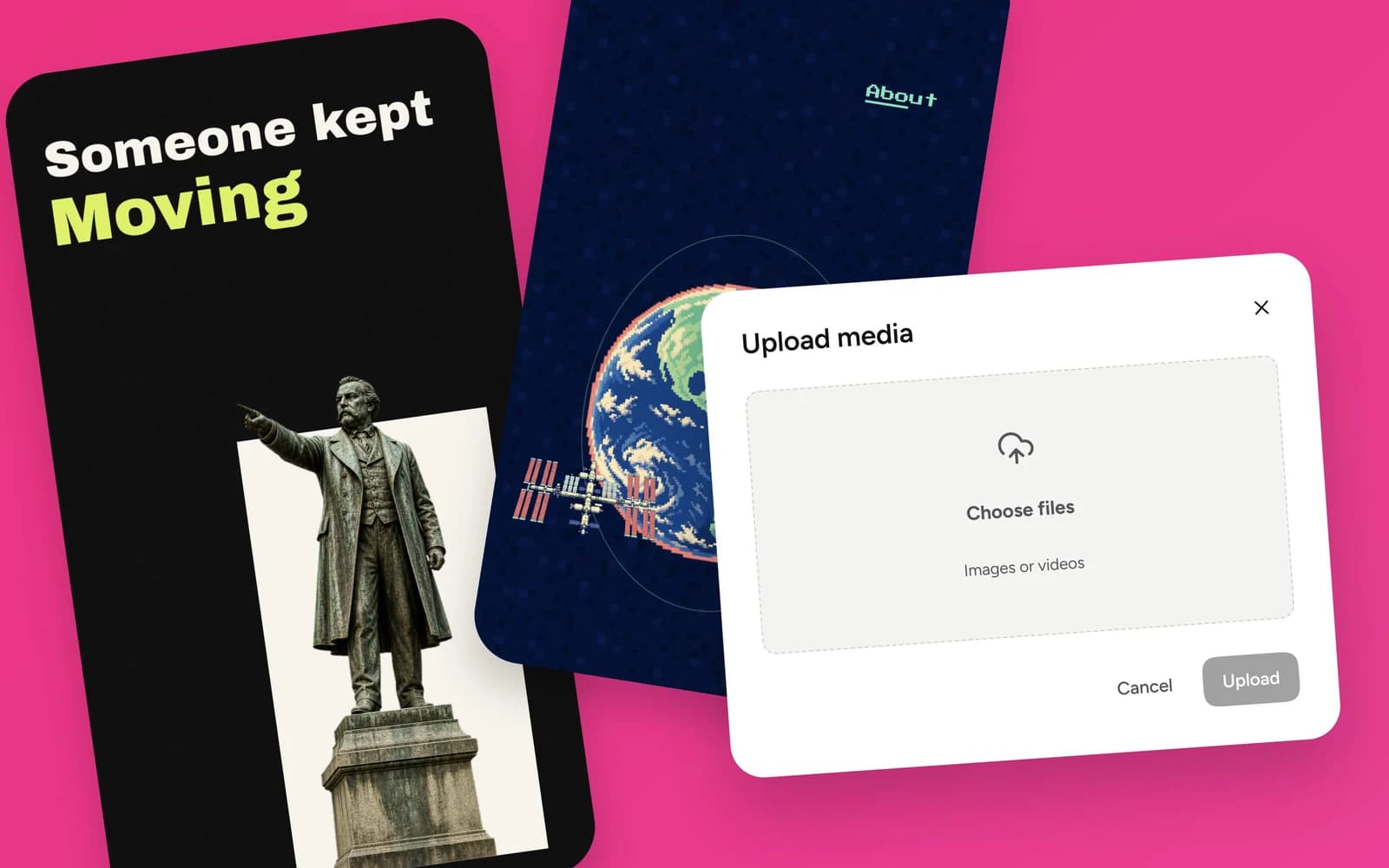
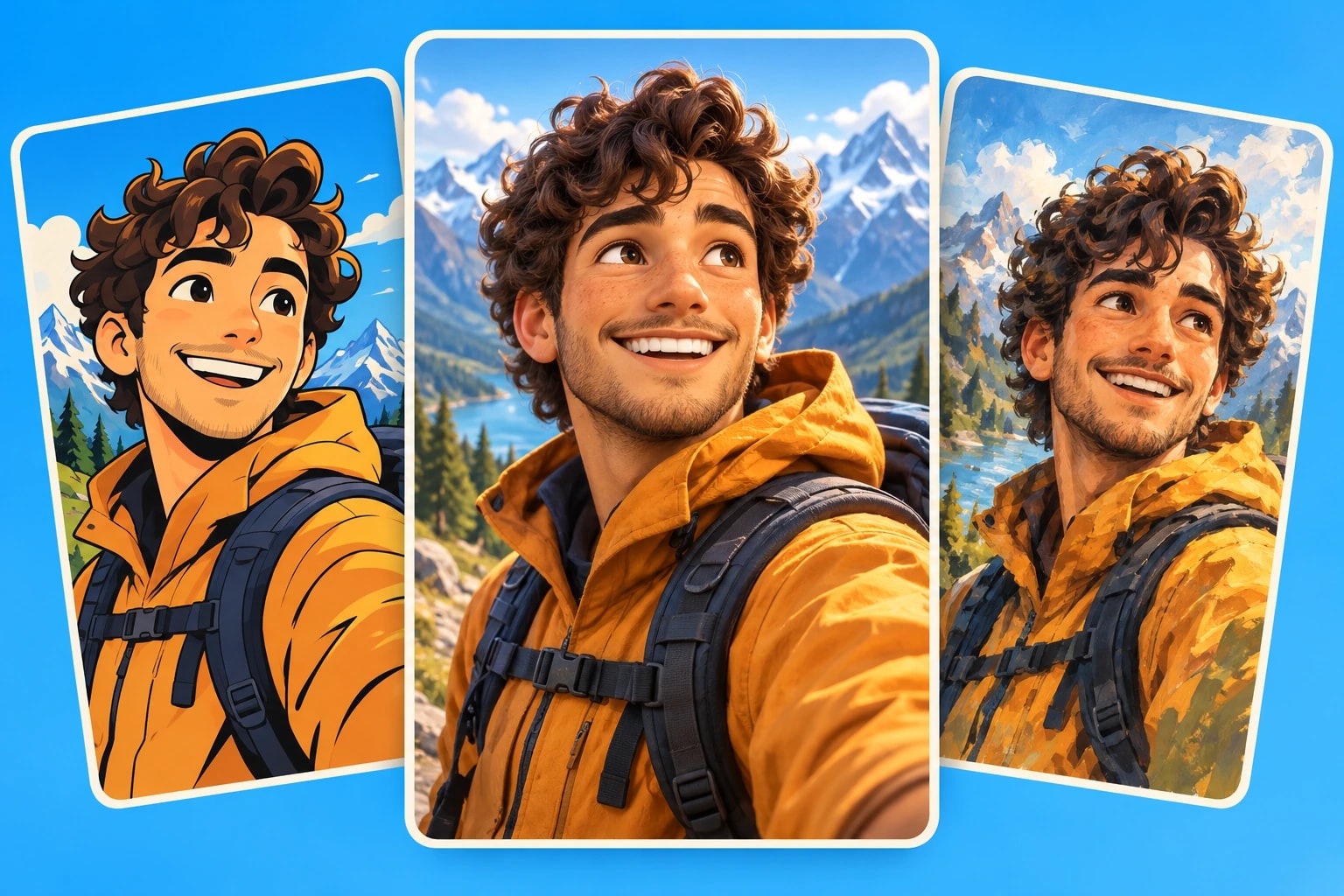
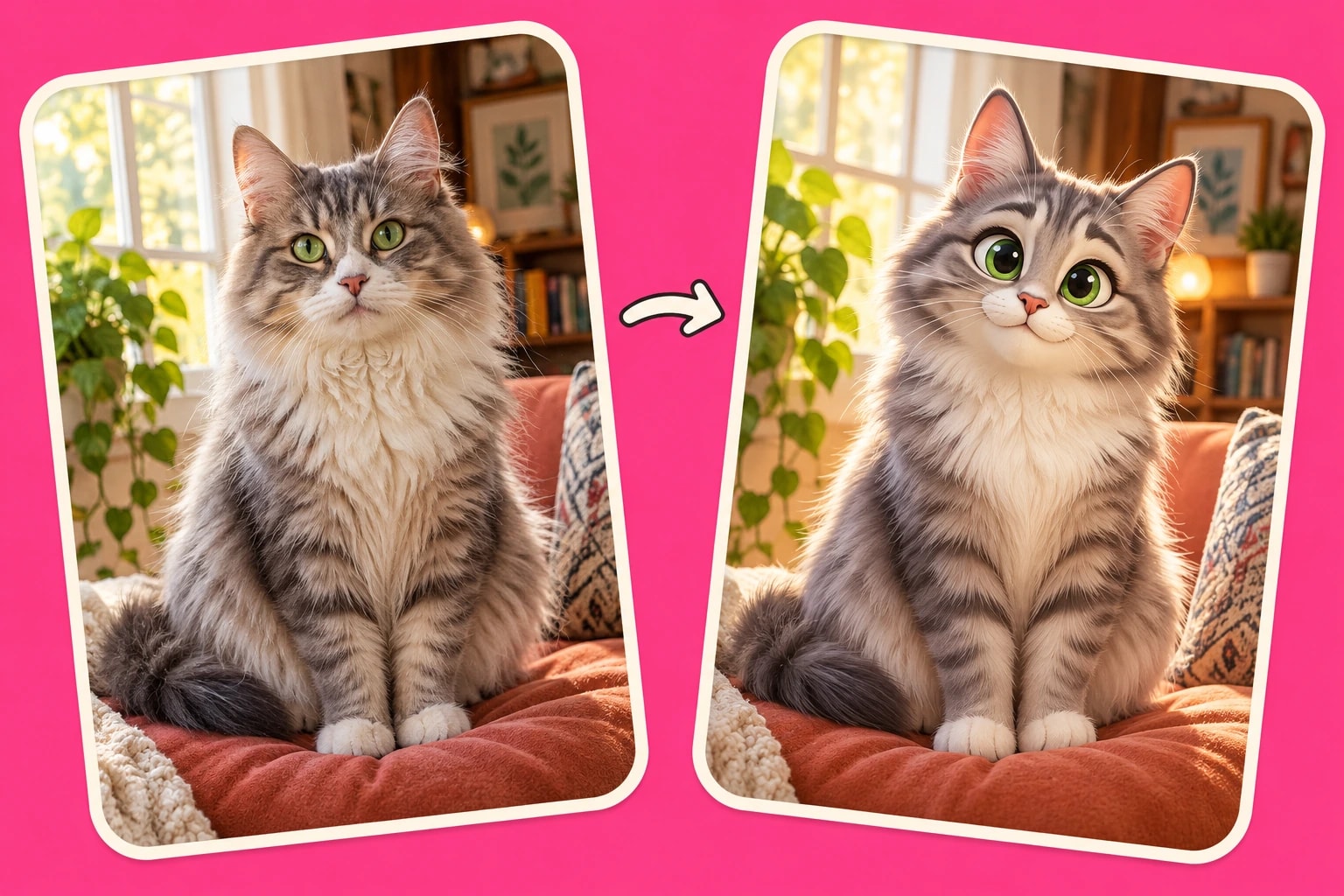
Bring the photos and video clips that matter to your story. Upload your own images and have Plamia restyle them to match your chosen look, or let AI create the visuals for you. Combine your media with generated scenes, then review the result and replace or rearrange anything you want to change on the timeline.

Try it now
Plamia Upload media panel beside animated statue and space video scenes

Keep control of every scene.

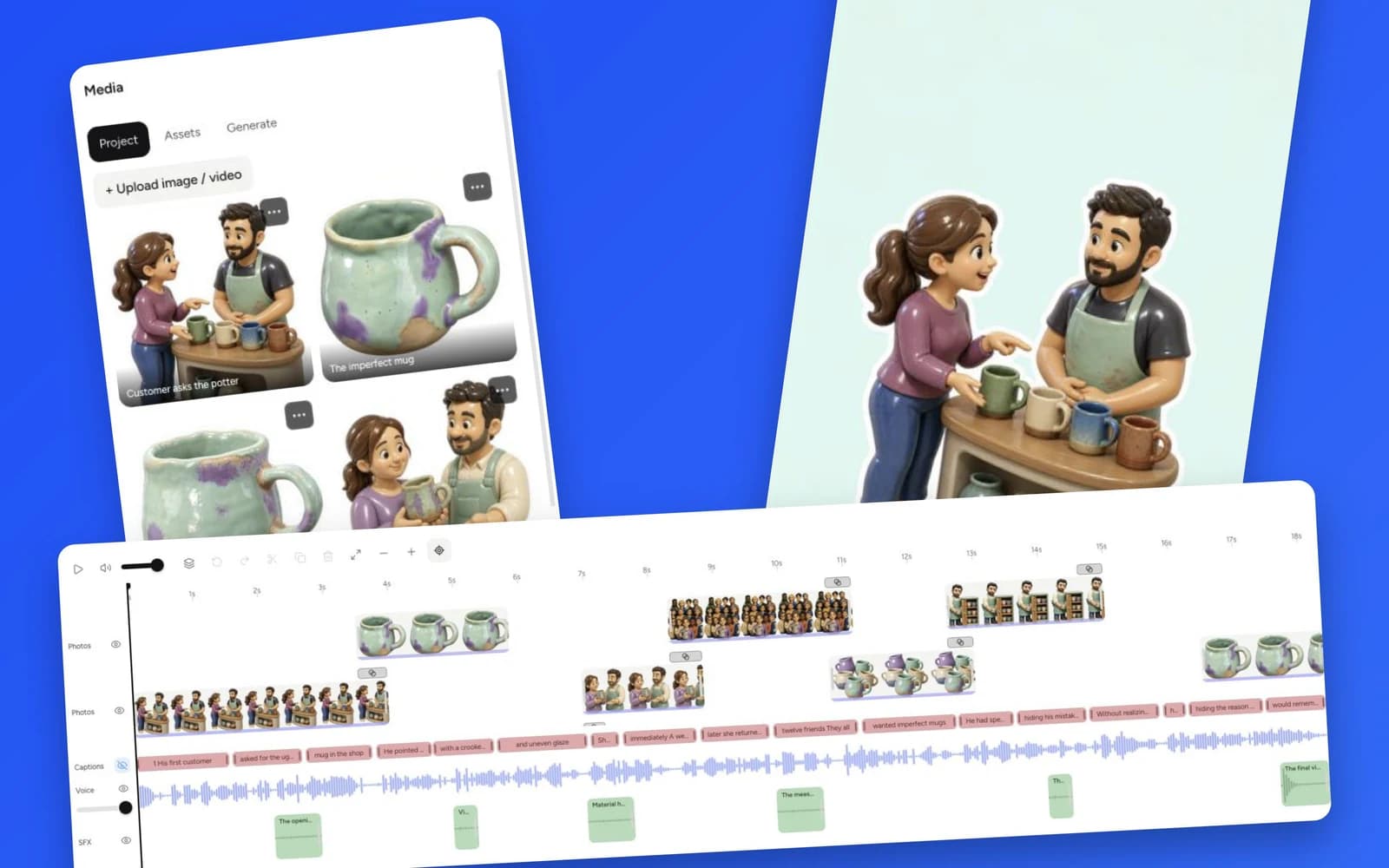
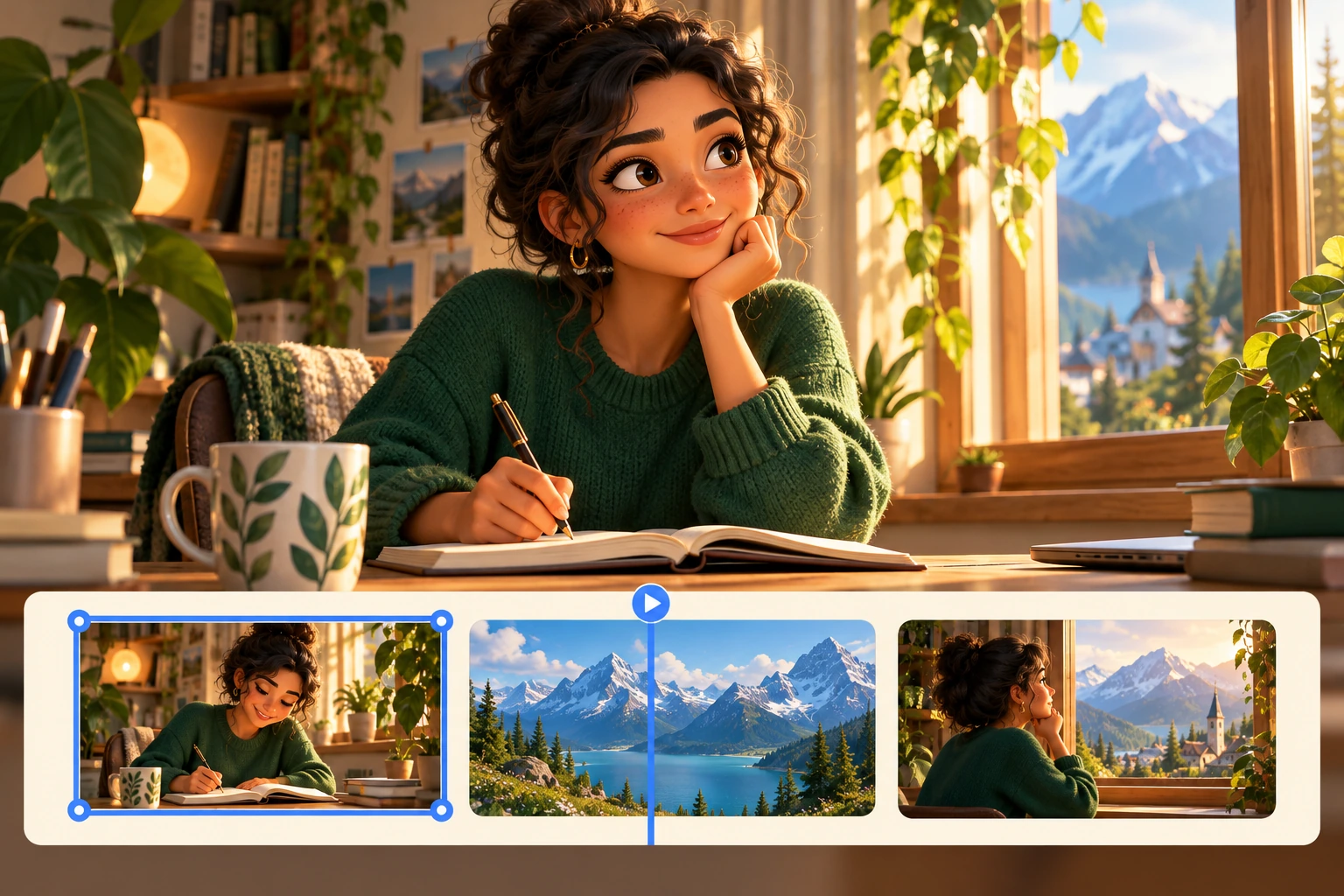
Your generated video opens as an editable project, not just a finished MP4. Move and trim clips, replace images, update captions, and adjust the voiceover and sound effects on separate tracks. Refine the timing of each moment, preview how it all works together, and export when the video looks and sounds the way you want.

Try it now
Light-theme Plamia editor with project media, a video preview, and separate photo, caption, voice, and sound effect tracks

More ways to tell your story.

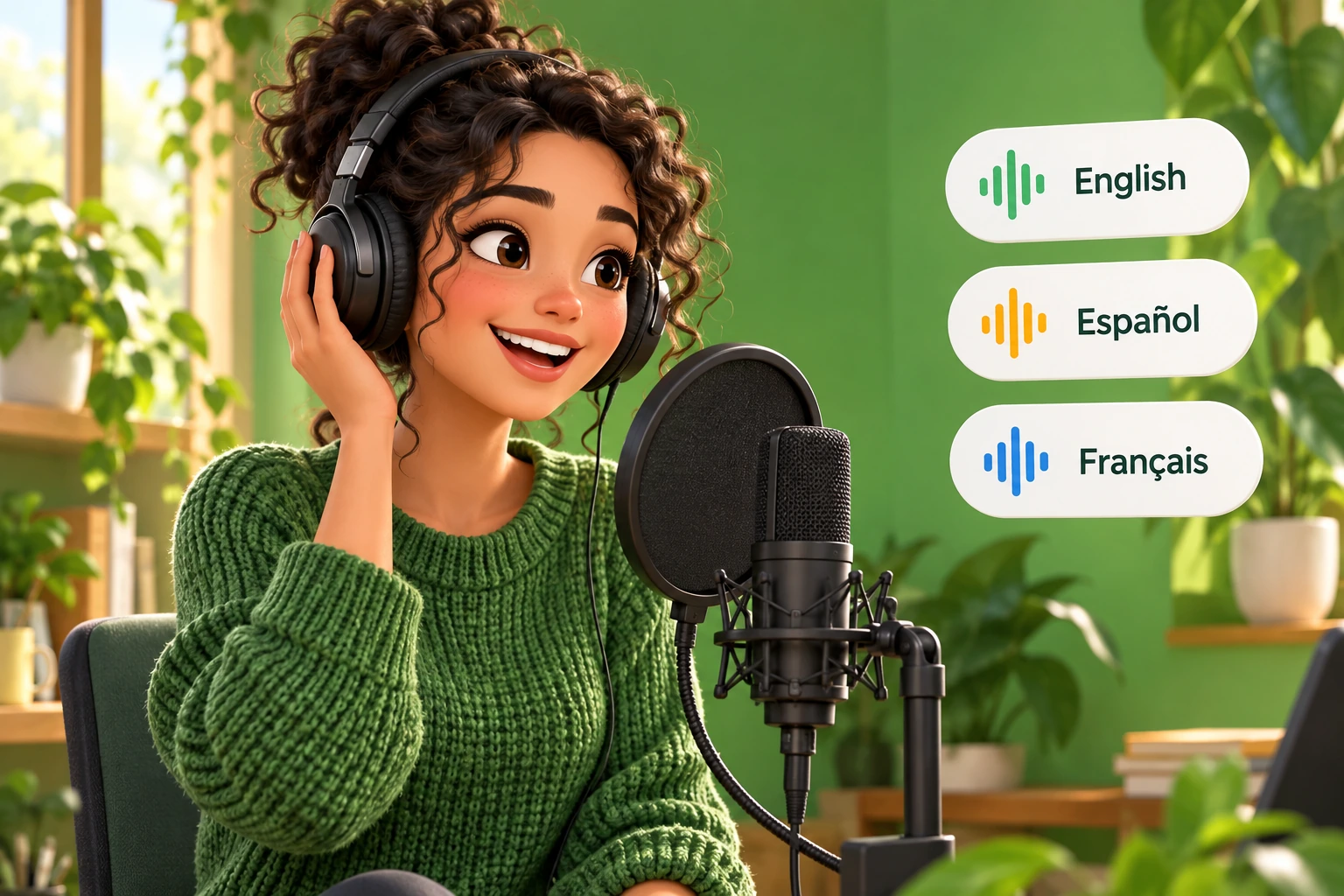
Choose your look, bring your own photos, and give your story a voice. Every scene stays yours to edit.

Everything stays editable.

Adjust scenes, layers, captions, timing and sound in the editor. Plamia Help explains the controls, exports, and limits.

  • CaptionsStyle and time every word.
  • TransitionsAdd a transition between any two scenes.
  • Project mediaWork with uploaded and generated media in your project.
  • Layer orderBring an element forward or send it behind another.
  • Replace visualsSwap a selected image or clip for a better fit.
  • Video animationsZoom, drift, pan, punch, or shake a video clip.
  • Sound effectsPlace and trim effects on the timeline.
  • TimelineMove, split, duplicate, and adjust video clip timing.
  • BackgroundsChange the background behind every scene.

Ideas to start. Guides to make it happen.

From your first script to the final edit, find practical ways to make your next video.

Frequently asked questions

How many videos can I create with the Creator plan?

Creator includes 2,000 credits per month. For videos around 25 seconds long, the approximate counts below vary with script length and pace:

Animation / Fast
12 videos
Animation / Balanced
15 videos
Animation / Calm
20 videos
B-roll / Fast
15 videos
B-roll / Balanced
17 videos
B-roll / Calm
24 videos
What video quality can I export in?

Choose 720p, 1080p, or 4K when exporting your video. All exports are vertical 9:16 MP4 files. Exporting requires a Creator or Pro subscription and does not use additional credits.

Can I add animation to a video I have already recorded?

Yes. Upload a vertical 9:16 recording and choose any Plamia template. Plamia adds animation clips based on what you say while keeping your original voice. You can adjust the generated result in the editor before exporting.

Can I create videos without filming myself?

Yes. Start with a script and let Plamia create the visuals and voiceover. You can optionally attach photo references for a person, character or object. No camera recording or separate avatar setup is needed.

Can I try Plamia for free without a credit card?

Yes. New accounts receive 300 welcome credits once at signup, with access to the full editor and the same creation tools as paid plans. You can create, preview, and edit videos without a payment card. Exporting requires a Creator or Pro subscription.

How long does it take to generate a video?

A short video typically takes a few minutes to generate. The time depends on the script length, generated images, voiceover, and current processing demand. When it is ready, you can preview and edit the video before exporting.

Can I edit a video without generating it again?

Yes. You can change captions, move or trim clips, adjust timing, and reuse media already in your project without spending more credits. Generating new images or voiceover uses credits. Exporting requires a paid plan and does not use additional credits.

Can I use my own photos and videos?

Yes. In Animation, attach photos with your script as visual references. In Video, upload a spoken recording for animated B-roll that keeps your original voice. You can replace visuals and adjust their position and timing in the editor.

Can I make videos for TikTok, Instagram Reels, and YouTube Shorts?

Yes. Plamia creates vertical 9:16 videos for TikTok, Instagram Reels, and YouTube Shorts. Export your video as an MP4 and upload it to your chosen platform.