
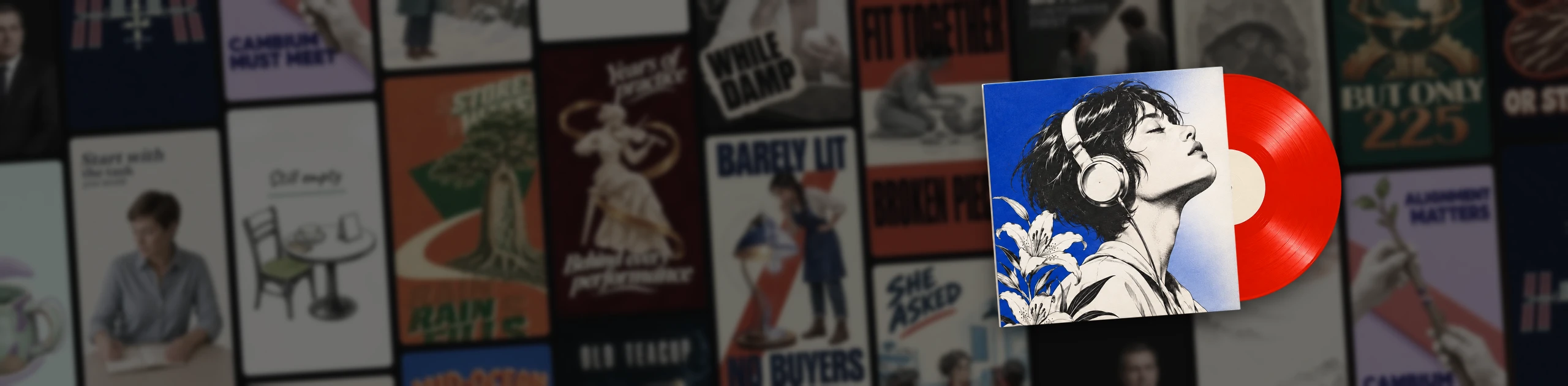
Album and poster art
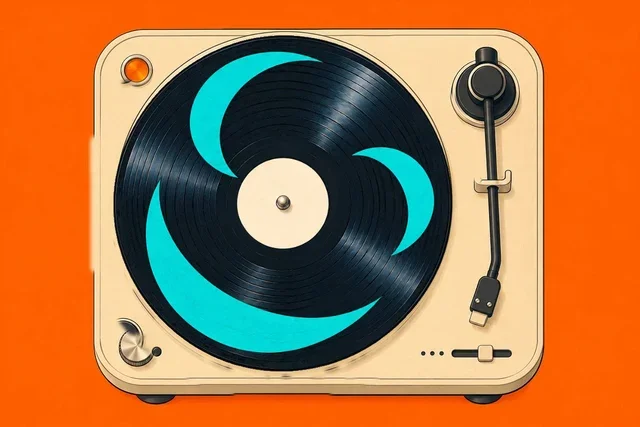
Slide a record out of its sleeve or let one element of a poster drift while the type stays put.
Upload a photo or an illustration and describe what should move. The rest of the picture stays still.
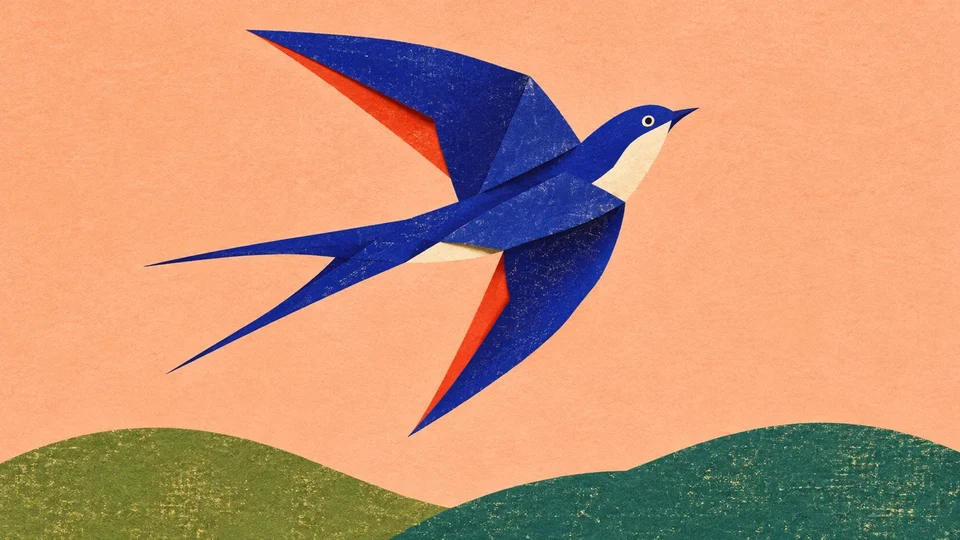
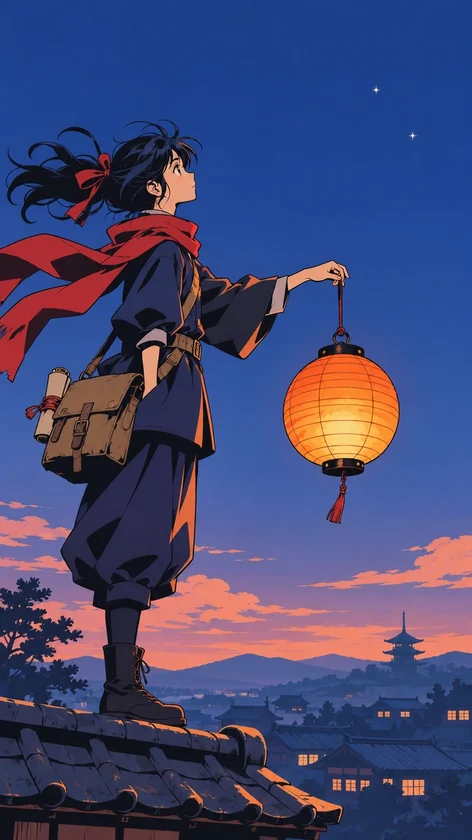
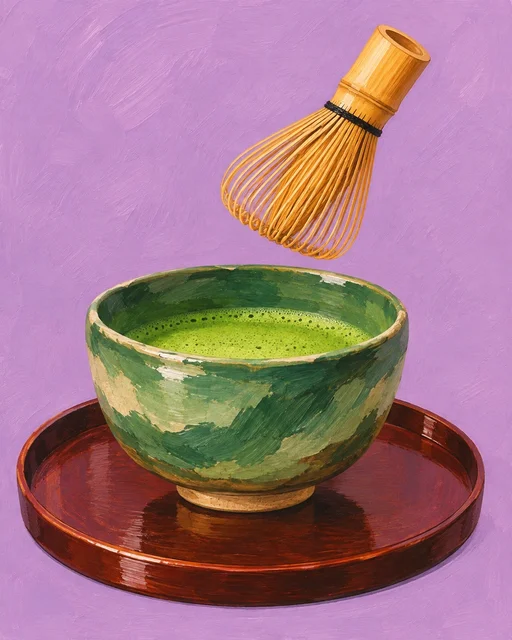
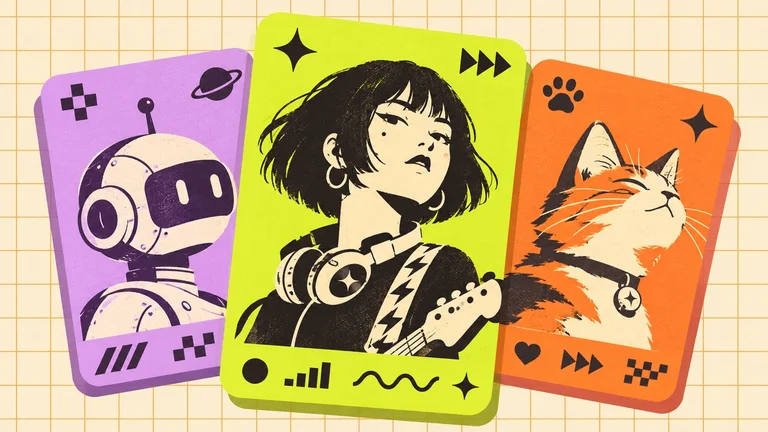
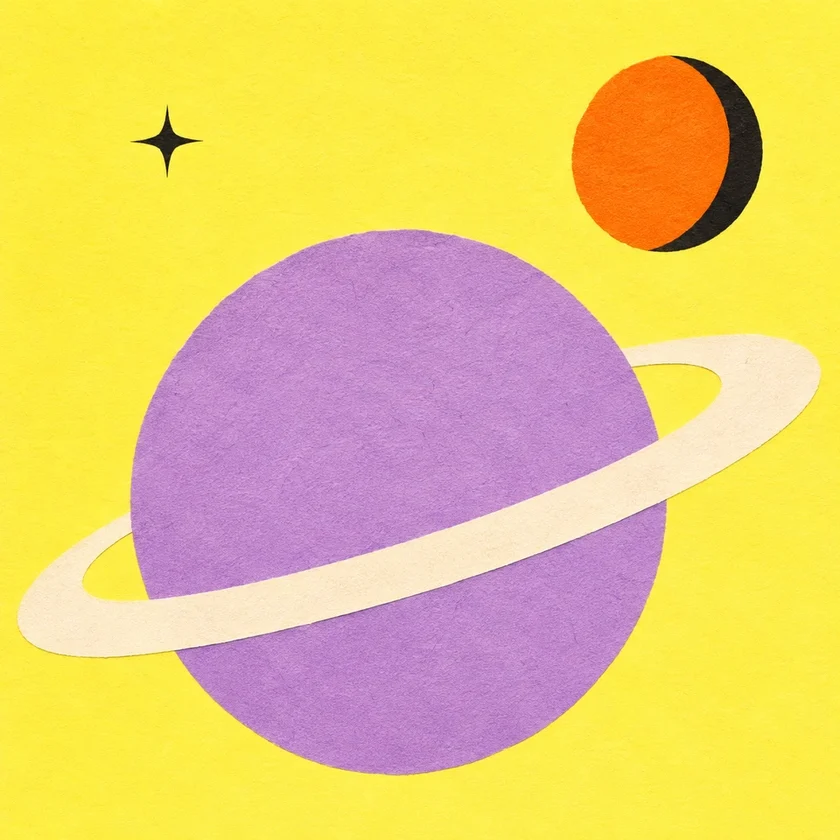
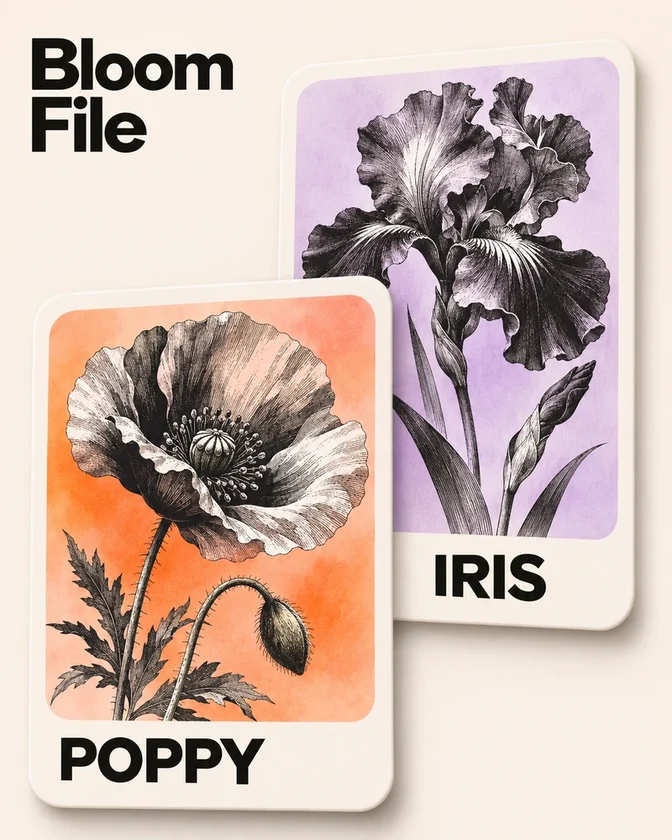
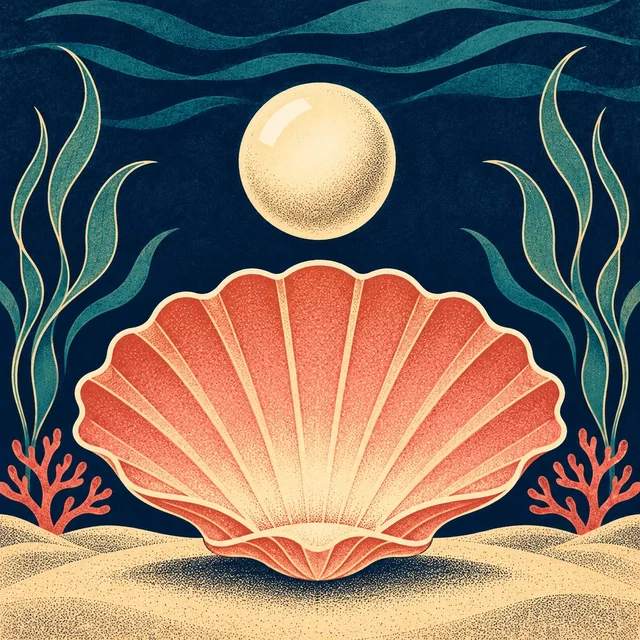
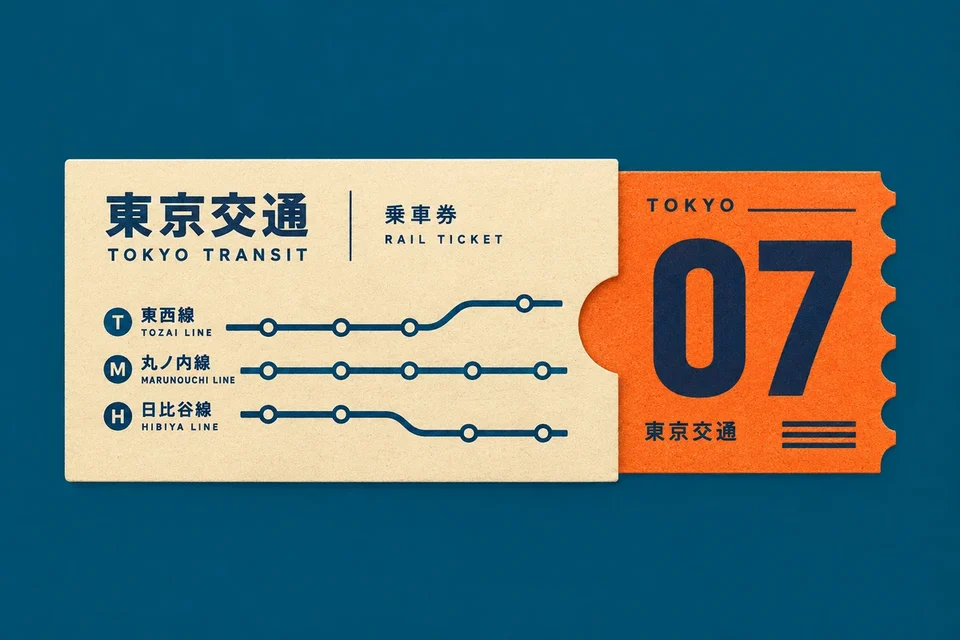
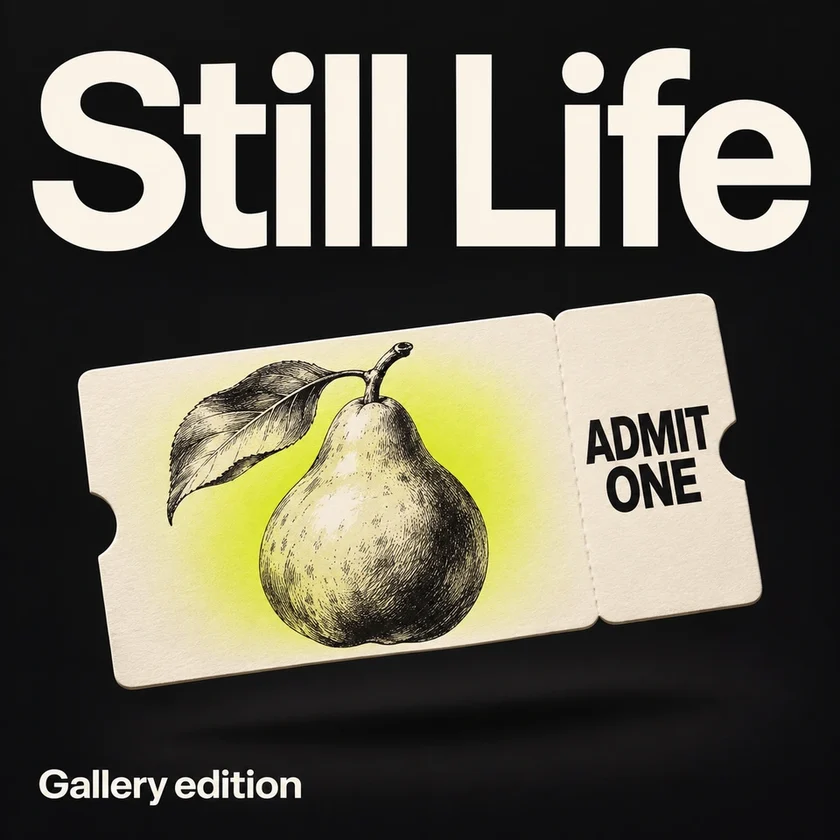
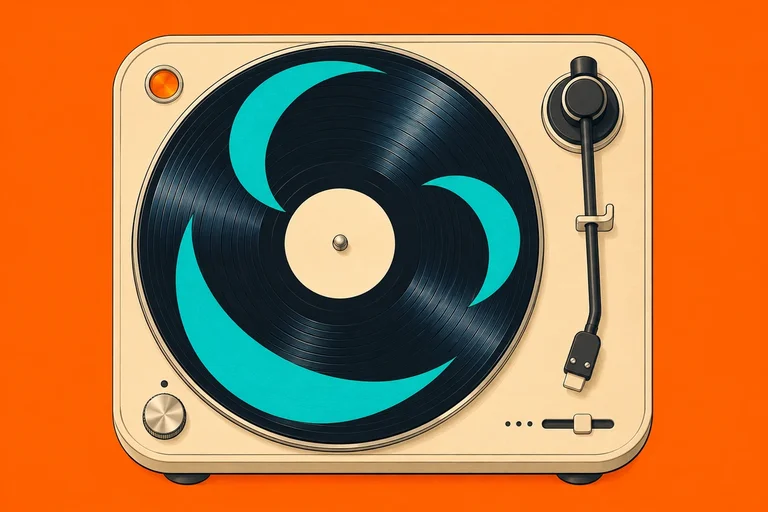
Image Motion is Plamia’s AI image animator. It starts from a finished picture, such as a photo, a poster, an album cover or an illustration, and adds movement to parts of it. A record can spin in its sleeve while the cover stays still.
Upload one image and describe the movement in a sentence. If you would rather not direct it, leave the field empty and Plamia chooses what moves.
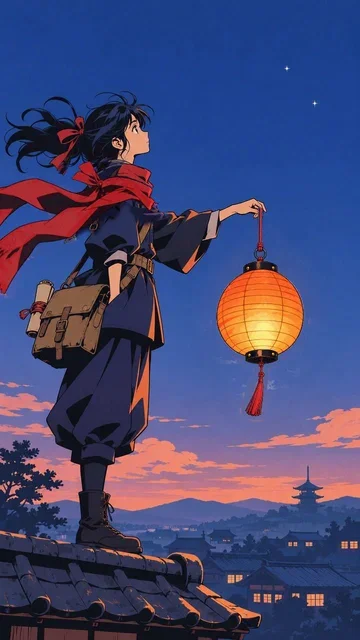
Plamia separates the picture into layers, from two to six, or picks the number for you. Each layer can move on its own, which is how a lantern sways while the town behind it holds still. Set the loop anywhere from 2 to 10 seconds.
Open the result in the editor to fine-tune the motion. For ideas on which movement suits which picture, read the guide to animating images for short videos.
Use a photo, an illustration or a design with a clear subject. JPG, PNG and WebP files up to 10 MB work.
Name the part that should move and how: the steam rises, the record turns, the scarf lifts in the wind. Or leave the direction empty.
Choose a loop from 2 to 10 seconds and how many layers to separate. Adjust the motion in the editor.
Slide a record out of its sleeve or let one element of a poster drift while the type stays put.
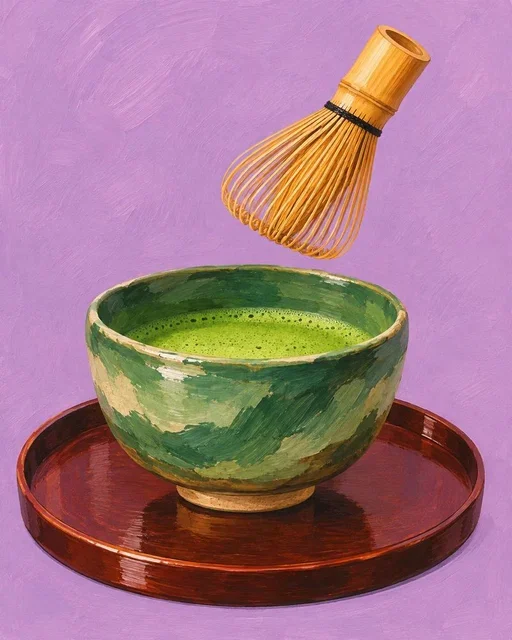
Keep the product sharp and move one detail, like a whisk hovering above a bowl of matcha.
Let a lantern sway or a scarf lift while the rooftops behind it hold still.
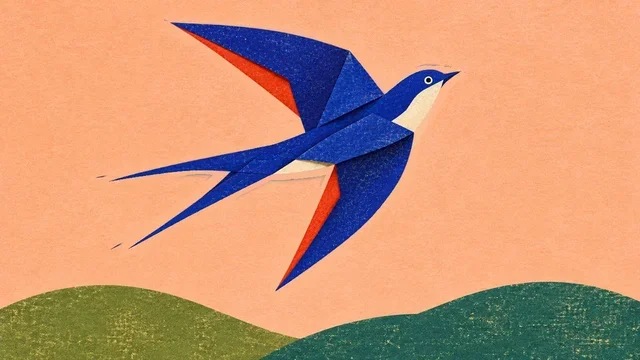
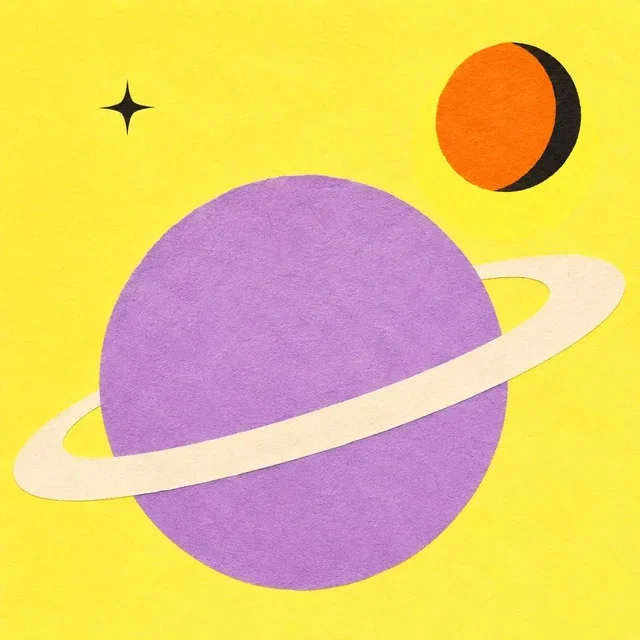
Move cut-paper shapes on their own, like swallows crossing a page.
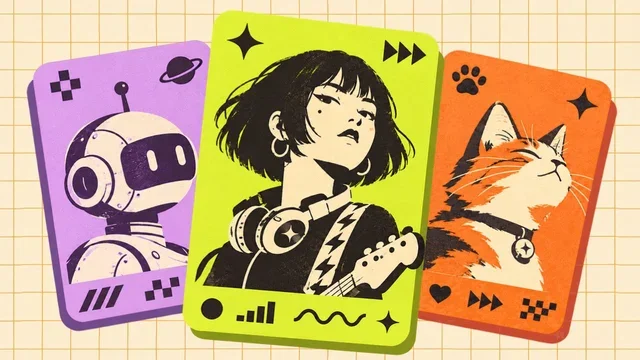
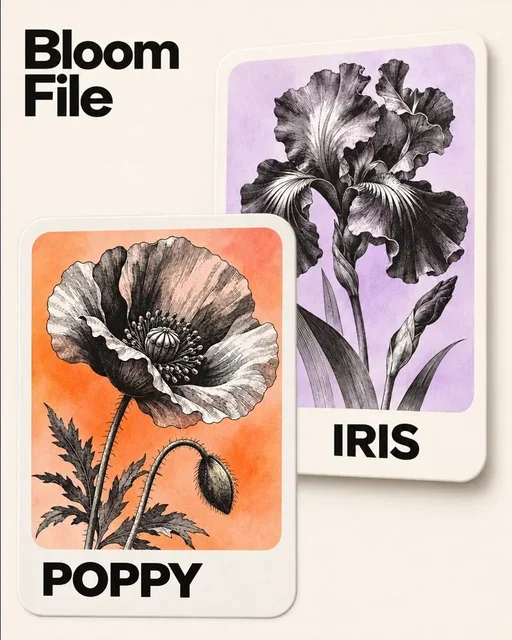
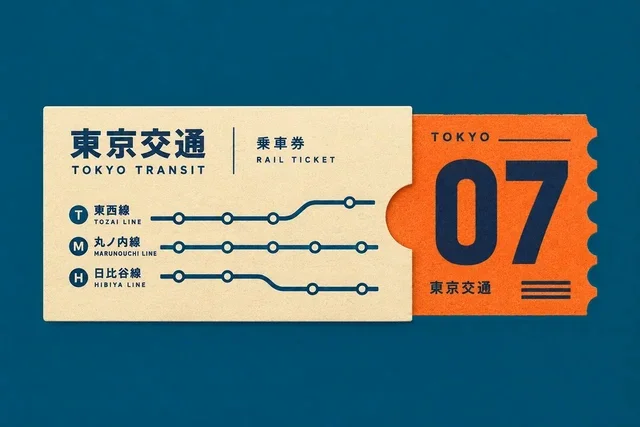
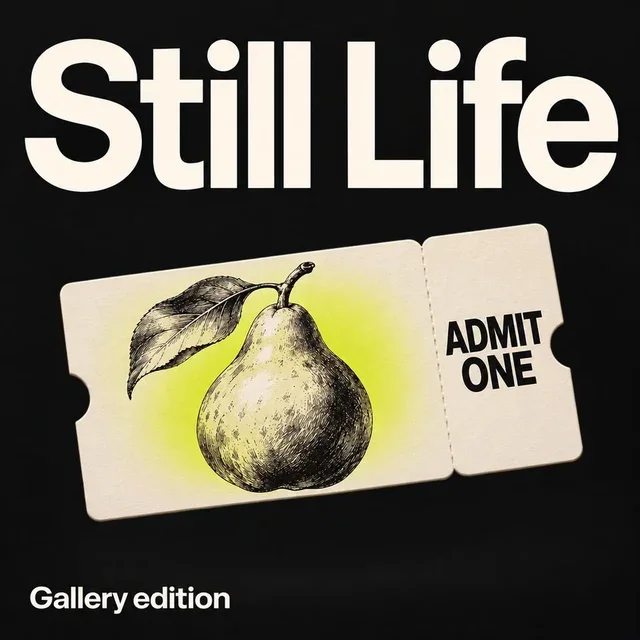
Animate a stack of cards or a ticket stub so each piece moves at its own pace.
Give a mascot or a robot one small gesture that repeats.
Image Motion is the AI image animator in Plamia. It adds movement to a still image you upload and returns a short loop.
One JPG, PNG or WebP file up to 10 MB. A subject that stands apart from its background is the easiest to animate.
No. The direction is optional. Leave it empty and Plamia chooses what moves, or write a sentence to direct it.
Choose a loop from 2 to 10 seconds.
It sets how many parts the image is separated into, from two to six. Auto lets Plamia decide. More layers let more parts move on their own.
Yes. Open the result in the editor to fine-tune how each part moves.
GIF Studio generates a new loop from a prompt. Image Motion keeps the picture you upload and moves parts of it.
Can't find your answer? Get in touch