
Add Smart Captions
to your video
Upload a recording to turn your speech into animated captions. Choose a style, then edit any word.
Add animated B-roll to a recording
An illustration can show what someone is describing. In this clip, the video cuts from the speaker to a conversation at a café, then back to the speaker. His voice continues across the cut.
Read the B-roll walkthrough


Smart Captions examples


Recognizing the withdrawal

The language of cues

A minute a day

Dog-safe peanut butter

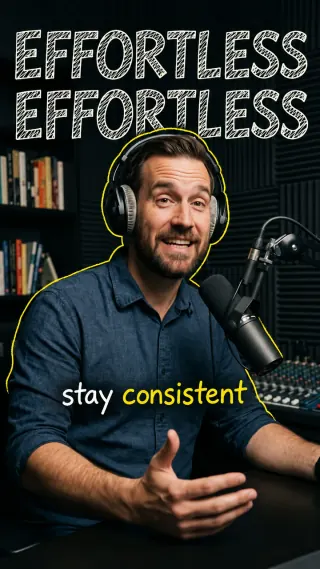
Effortless consistency

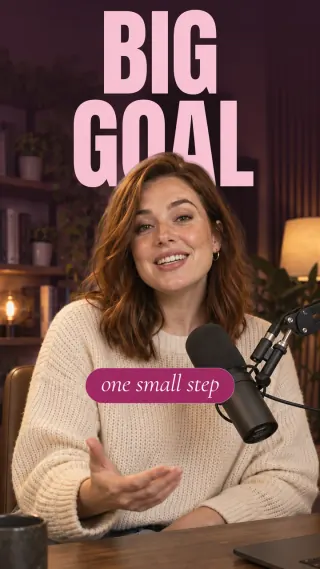
Every big goal

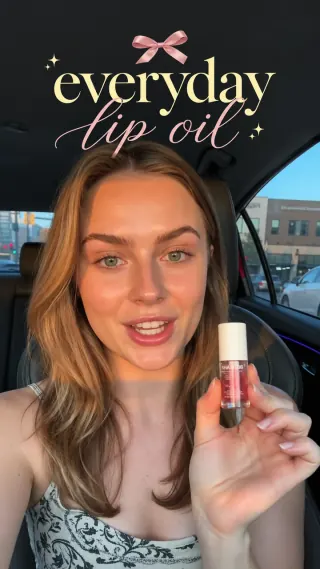
Lip oil review
How to add captions to a video
Upload a recording
Start with a vertical video that has clear speech. Use an interview excerpt, a product review or a story you’ve recorded on camera.
Choose a caption style
Pick how the words will look on screen. Plamia transcribes the recording and times the captions to your delivery.
Review and export
Play the video and check names and terms. Move any line that covers a face or product, then export the finished MP4.
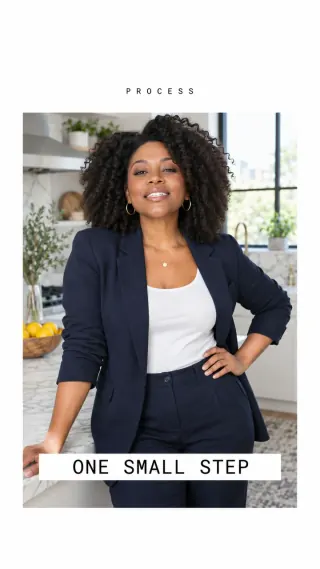
Caption templates
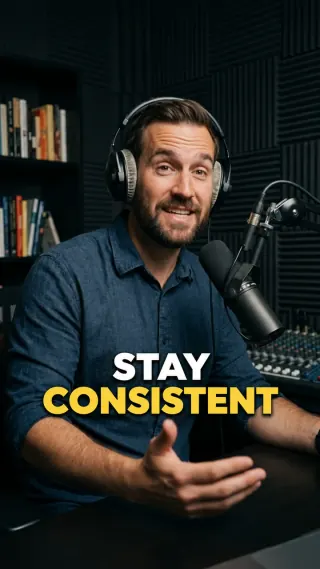
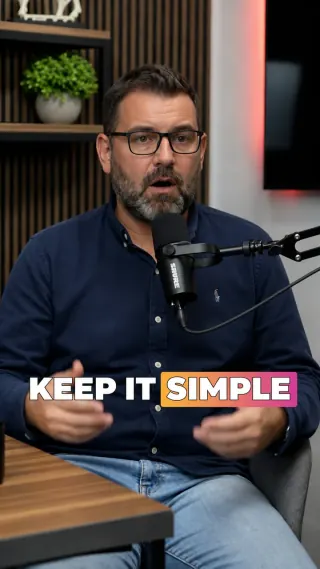
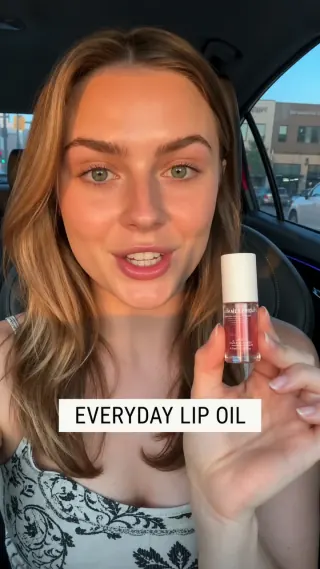
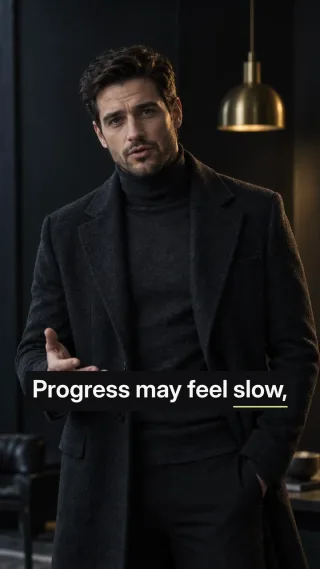
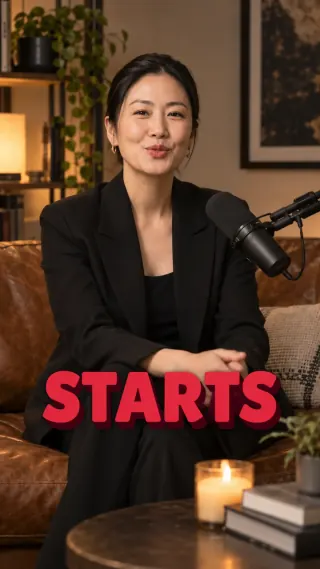
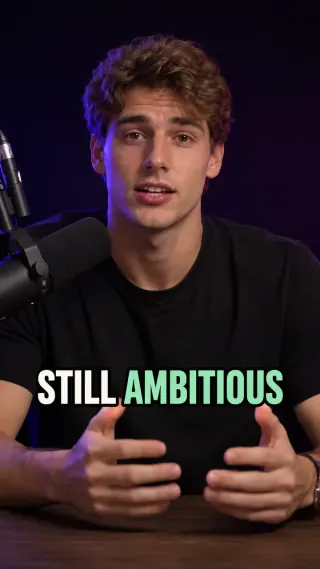
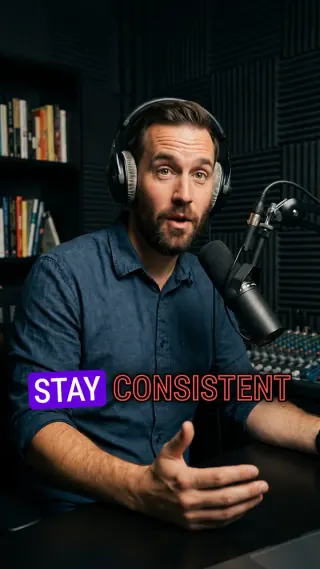
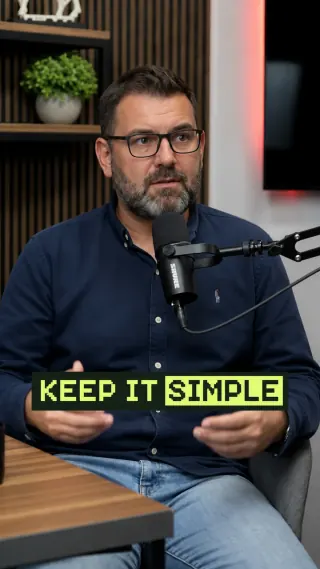
See how each style handles lettering, color and emphasis on camera.

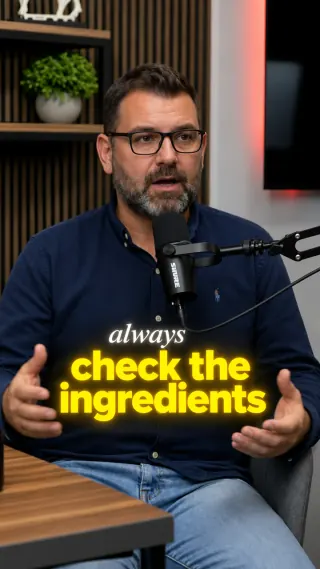
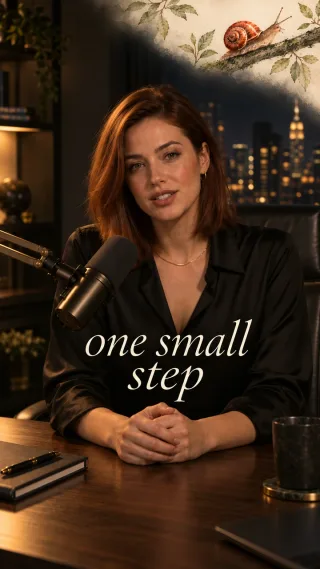
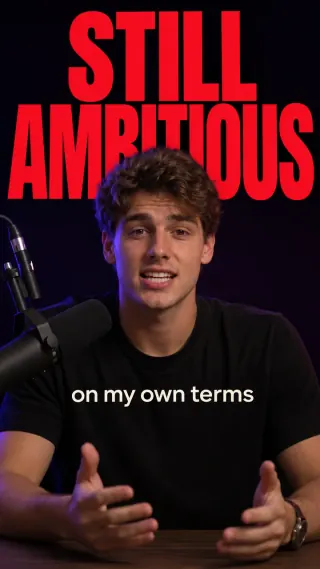

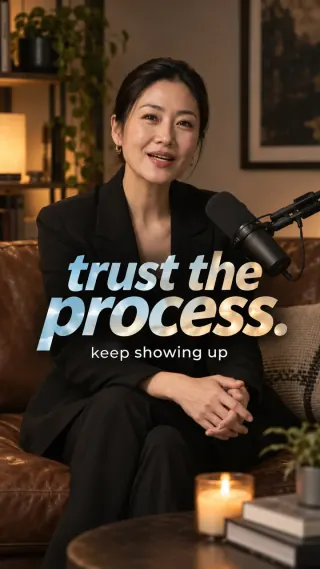



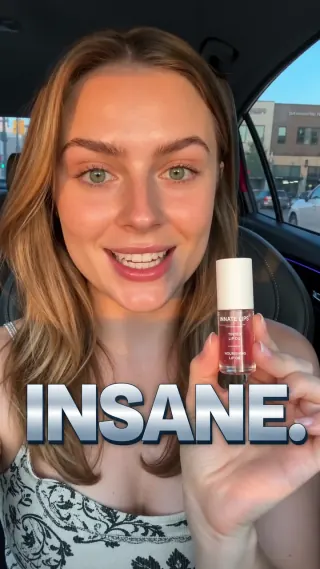
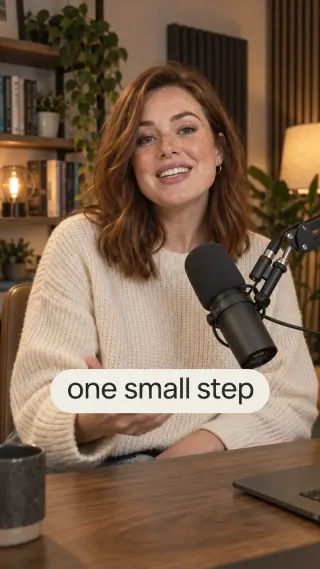
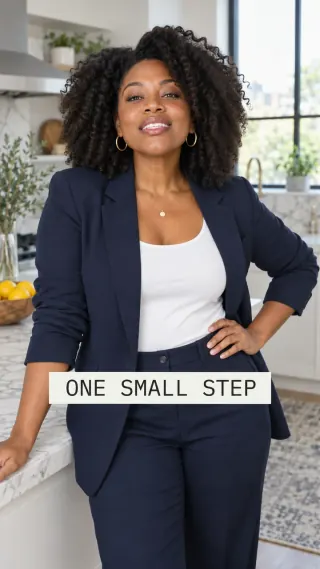
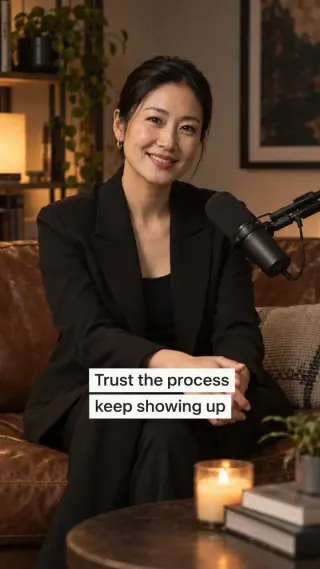
Edit your captions
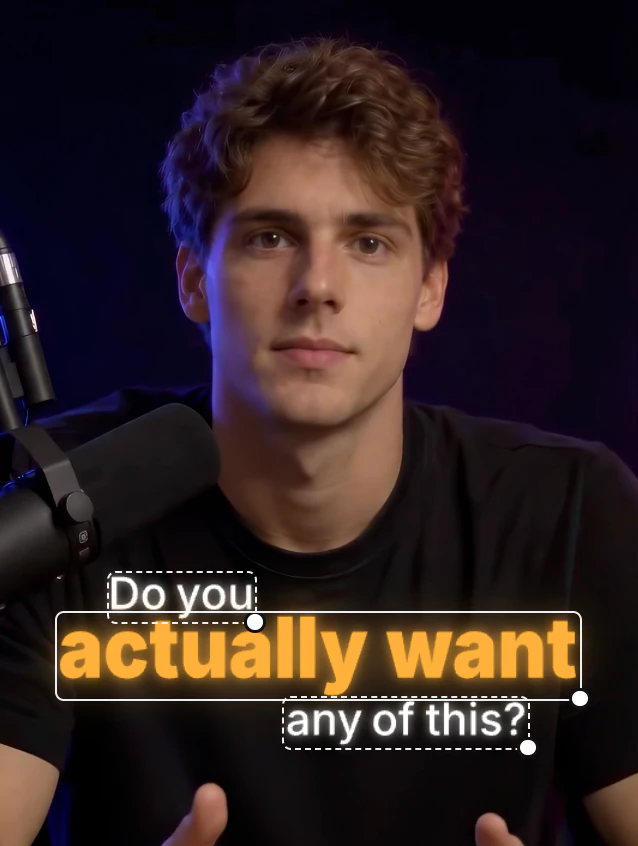
Correct a name or a missed word in the editor. Select a phrase to change its font, size or color while the surrounding words keep their style.
Drag the words into place on the video. You can move a line away from someone’s face or enlarge the words you want to emphasize.
Frequently asked questions
How does Plamia generate captions?
Plamia transcribes the speech in your video and times each phrase to the recording. The template sets how the words appear, which words get emphasis and where the captions sit on screen.
What video can I upload?
Upload a vertical 9:16 MP4, MOV or WebM with a spoken audio track. The recording can be 3 seconds to 2 minutes long and up to 100 MB. Clear speech gives the transcription a better starting point.
Does the video keep my voice?
Yes. Your original audio plays throughout the video, including when an illustration appears on screen.
Can I correct the captions?
Yes. Select the caption in the editor to fix a word or a name. You can also change the type size, color and position, then play the line back to see how it reads.
Can I add animated B-roll as well?
Yes. Choose the Story template for illustrated cutaways. To keep the speaker on screen, try Noir. A fine underline follows the words as they’re spoken.
Can I try Smart Captions before paying?
A new account comes with 300 credits. Choose a template to see the credit price for your clip, then generate the captions and review them in the editor. MP4 downloads are available on paid plans.
Can't find your answer? Get in touch