

5 Best AI Tools for Faceless YouTube Shorts
Compare five ways to make a Short from a script or idea, from illustrated stories you edit by hand to a series that publishes on schedule.
Animate a scriptIf you already know the last line of your Short, start with a tool that lets you keep it. If you have a channel topic and need three episodes a week, the publishing workflow matters more. Both jobs can start at an empty desk, without a camera.
We looked at how five tools get from text to a vertical video, which parts of the draft you can change, and what it takes to download or publish it. The screenshots show our Plamia script and the other makers’ public editor demonstrations.
Which tool fits your project?
- PlamiaWe build this
Make an illustrated Short from your script, with a generated voice and a photo reference for a recurring subject.
- AutoShorts.ai
For recurring episodes that publish to a connected YouTube channel.
- InVideo
For a mix of stock footage, your own shots, and generated media.
- Fliki
For a voice-led Short where pronunciation and pauses matter.
- Pictory
For turning an approved script into a stock-footage storyboard.
1. Plamia for illustrated stories
Suppose your mystery Short follows a red umbrella across town. Plamia can illustrate the tram, the platform and the final doorstep in one style. Attach a photo of the umbrella to guide its appearance across scenes. Your script supplies the narration, so the first draft needs neither a camera nor a recorded voice.
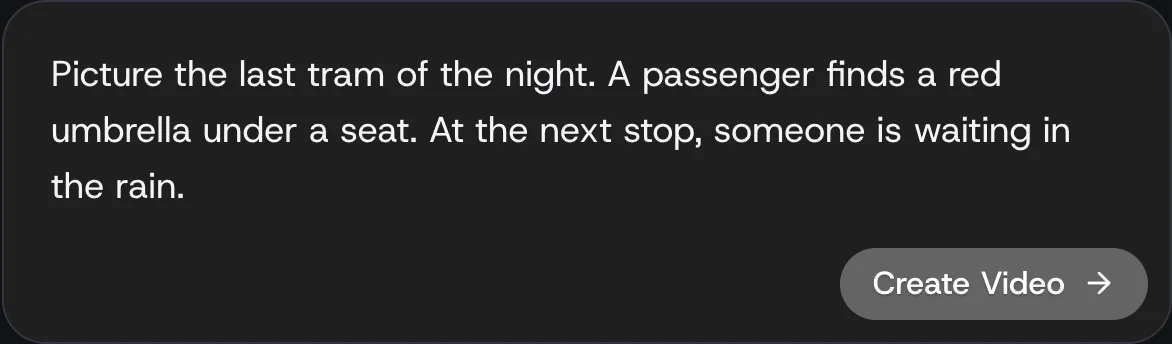
The useful part comes at the reveal. If the umbrella appears a word too soon, slide its image later while the voice and captions keep playing. You can also replace that one illustration with your own photo. Those manual changes use no credits. Generating new artwork does.
Preview the complete Short on Free. To download it, buy credits once, from $4.50 for 300, or subscribe to Creator at $24 a month with 2,000 credits. Either way MP4 exports are unlimited. You can export another cut of the same project without paying for the scenes twice. Upload the finished file through YouTube Studio.
Sources: Script to Animation, Plamia plans
2. AutoShorts.ai for a channel on a schedule
AutoShorts is the most direct pick here if the job is “publish a new local legend every Monday, Wednesday, and Friday.” Create a Series, give it a topic, choose the voice and visual style, and connect the YouTube channel. The schedule belongs to that Series.
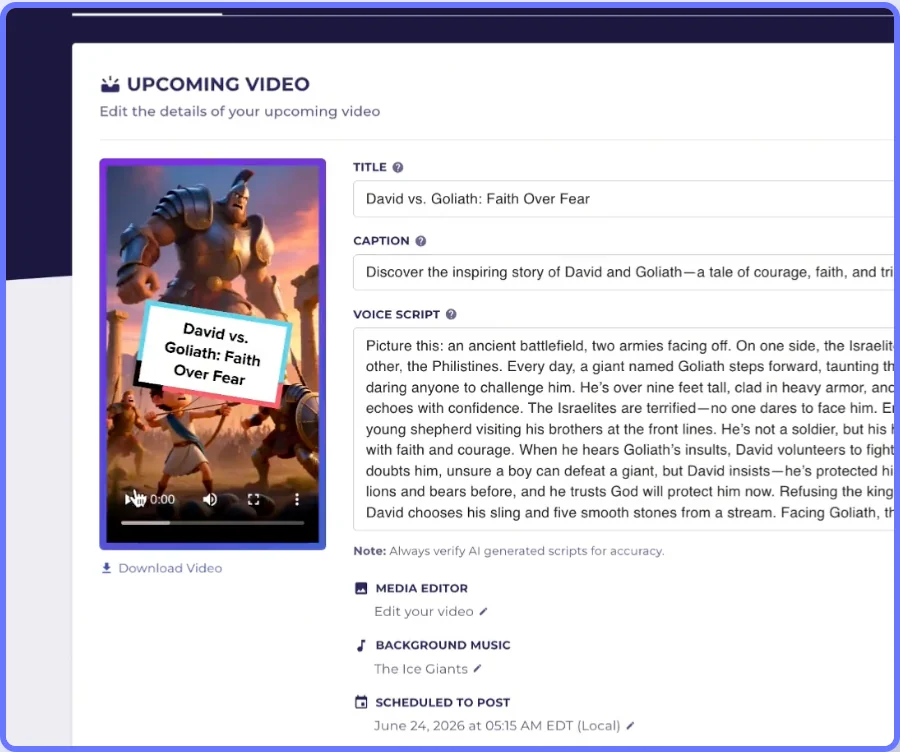
Review is optional. If a place name is wrong or the artwork shows the wrong building, edit the upcoming video before its posting time or pause the Series. Past videos can be downloaded, but that editor only revises upcoming ones. Starter is $19 a month for one Series posting three times a week. Daily is $39 a month. Motion credits for animating images are a separate allowance.
Sources: Series setup and pricing, Review and edit before posting, Editor demonstration
3. InVideo for stock footage and custom shots
For a Short about making fresh pasta, most of the shots are easy to source: dough on a counter, a pot of water, a plated dish. InVideo can turn a brief into a script, visuals, narration, and subtitles. Stock is a sensible first pass. For a recipe from your own kitchen, replace the final dish with your own clip.
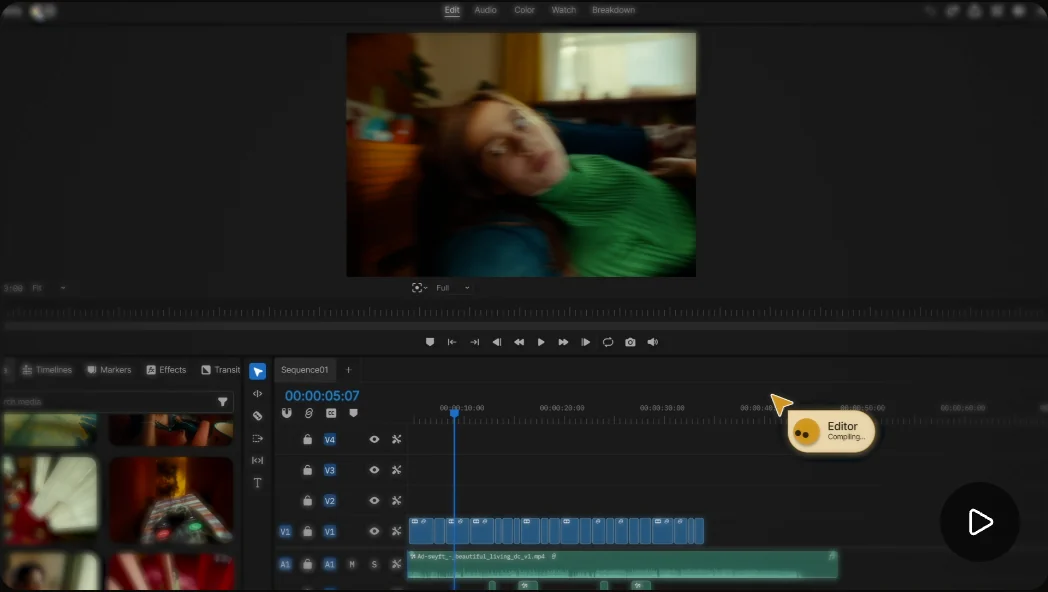
The cost distinction is between editing and generation. InVideo says that manual edits and watermark-free exports in its Editor are free. Agent work and AI-generated media use credits. Trimming the pasta shot is a different expense from asking the agent to generate a new close-up.
Sources: YouTube Shorts generator, Shorts editor demonstration, Editor export and agent charges
4. Fliki for narration you can revise by scene
Try Fliki if a mispronounced name would spoil the Short. Choose a voice in the scene’s voiceover layer, listen to the line, and adjust the text or pause. You can also upload recorded audio. Then choose the stock or generated visual that belongs under each line.
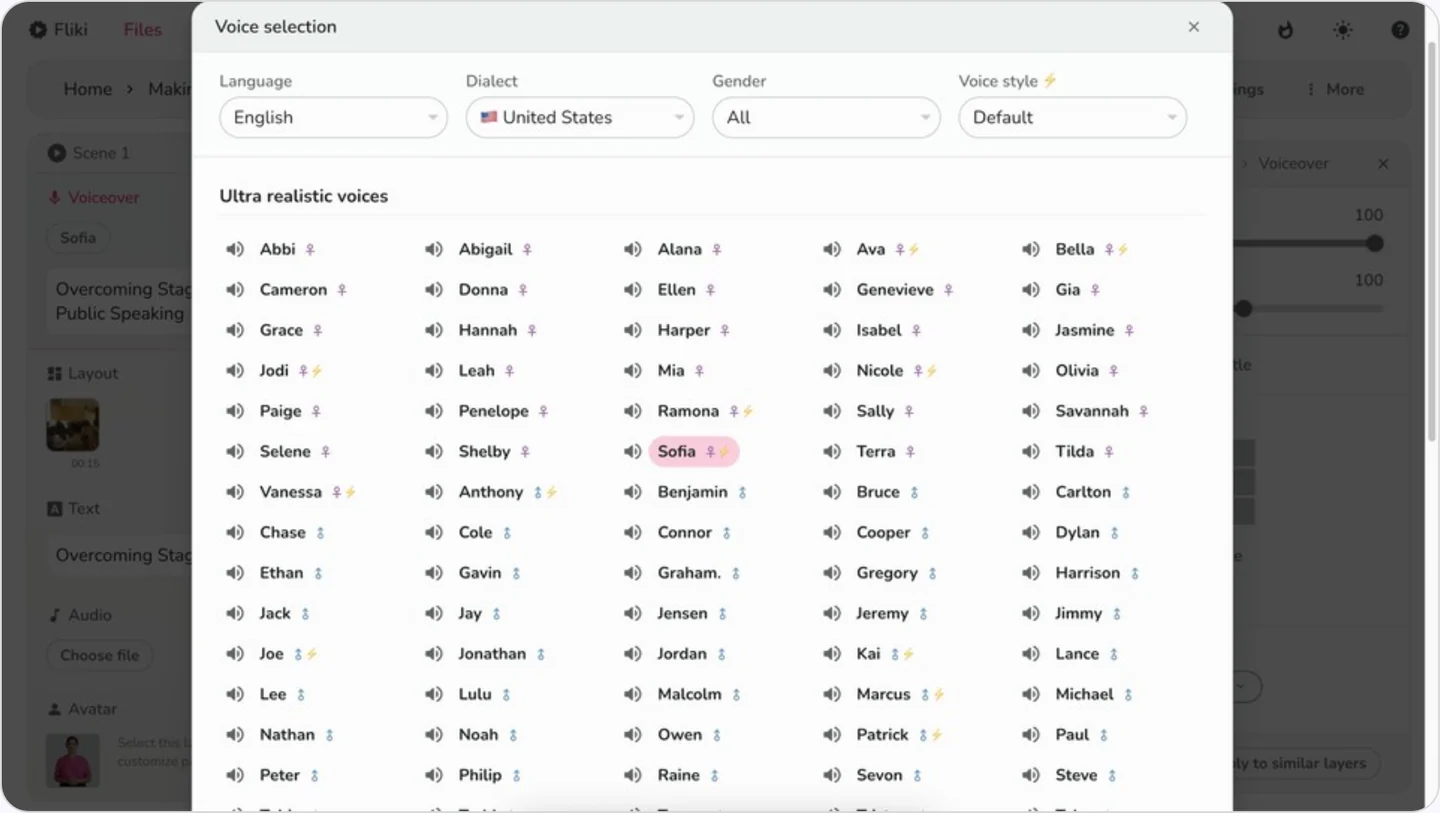
Rewriting the narration or changing its voice can use credits again. Lock the wording first if you plan to record several versions. The Free plan exports at 720p with a Fliki watermark. Standard includes 1080p exports and removes the watermark.
Sources: Shorts inputs and voice options, Fliki editor walkthrough, Resolution and credit rules
5. Pictory for a script you’ve already approved
If a museum has approved the wording of a 45-second exhibit introduction, a generator that rewrites it creates extra work. Pictory’s Script to Video keeps the words you paste, splits them into scenes, and suggests visuals. Check the first match for each proper noun. A generic steam train may look convincing and still be the wrong locomotive.
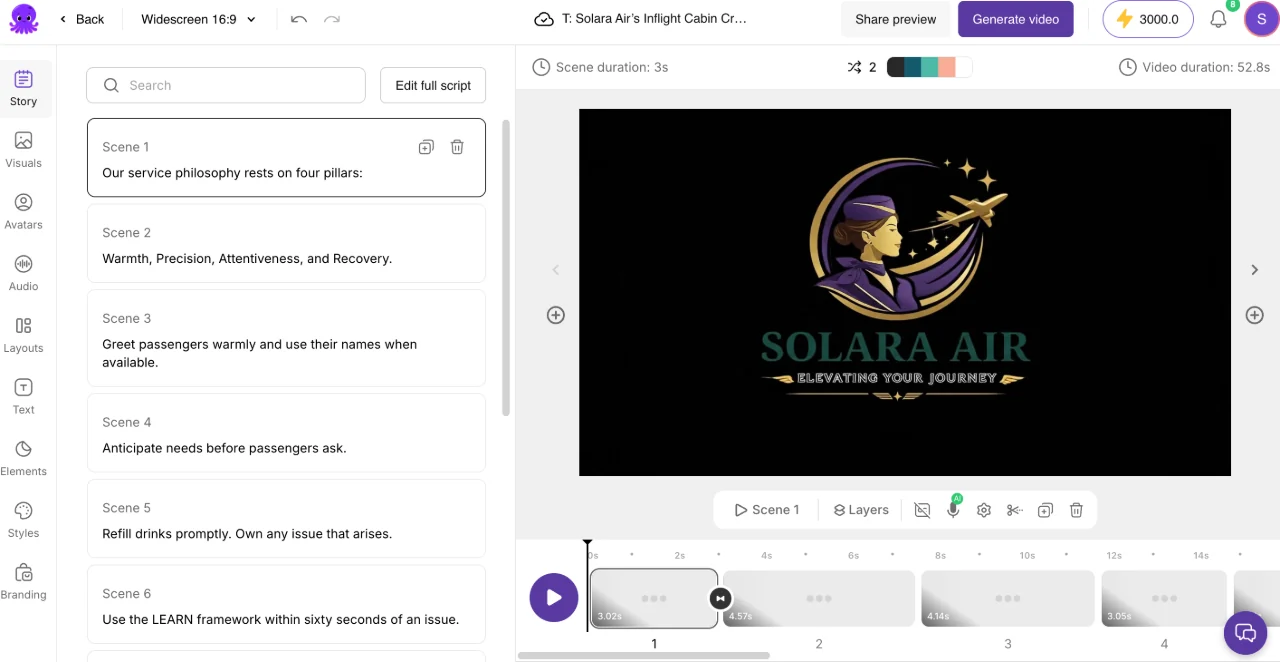
Replace an inaccurate match with your own image and leave the approved line in place. The 14-day trial includes 300 credits and watermarks its downloads. Paid plans remove the branding. For an archive or education channel, the ability to use a specific photograph can matter more than the size of the stock library.
Sources: Script fidelity and trial exports, Pictory storyboard walkthrough, Pictory plans
Faceless Shorts tools compared
| Feature | Plamia | |
|---|---|---|
| What can I start with? | A script or a story idea | A topic or prompt for a series |
| Where do the first visuals come from? | Illustrations generated in one chosen style | AI-generated scene images |
| Can I replace just one scene’s image? | Yes | Yes, before the episode is posted |
| Can it narrate my Short without a recording? | Yes | Yes |
| Can I download a watermark-free video on a free plan? | No | No |
| How can I get the Short onto YouTube? | Download the MP4 and upload it to YouTube Studio | Connect YouTube for scheduled posts, or download the video |
Plans for Plamia and AutoShorts.ai
Check the first Short before you schedule the next
Watch once with the sound off. Can you still tell what each shot is meant to show? Then listen without looking. If the voice misreads a name, correct it before exporting or queuing the episode. For a series, keep one editorial decision for every upload: a different example, a first-hand observation, or a new conclusion.
YouTube reviews the channel as a whole for monetization. Its policy flags repetitive, mass-produced content, including template videos with little variation. Give each episode its own reporting, example, or story before adding it to the queue.
Frequently asked questions
Do I need to record myself for a faceless Short?
No. All five tools can start from text and generate narration. Use a recording if the sound of your own voice is part of the channel.
Which tool keeps my script word for word?
Pictory explicitly documents this for Script to Video. Paste the approved copy into that workflow. Its idea and URL workflows can draft new wording.
Which tool can automatically post a series to YouTube?
AutoShorts can publish a recurring Series to a connected channel. Edit or pause an upcoming episode before its scheduled time if it still needs approval.